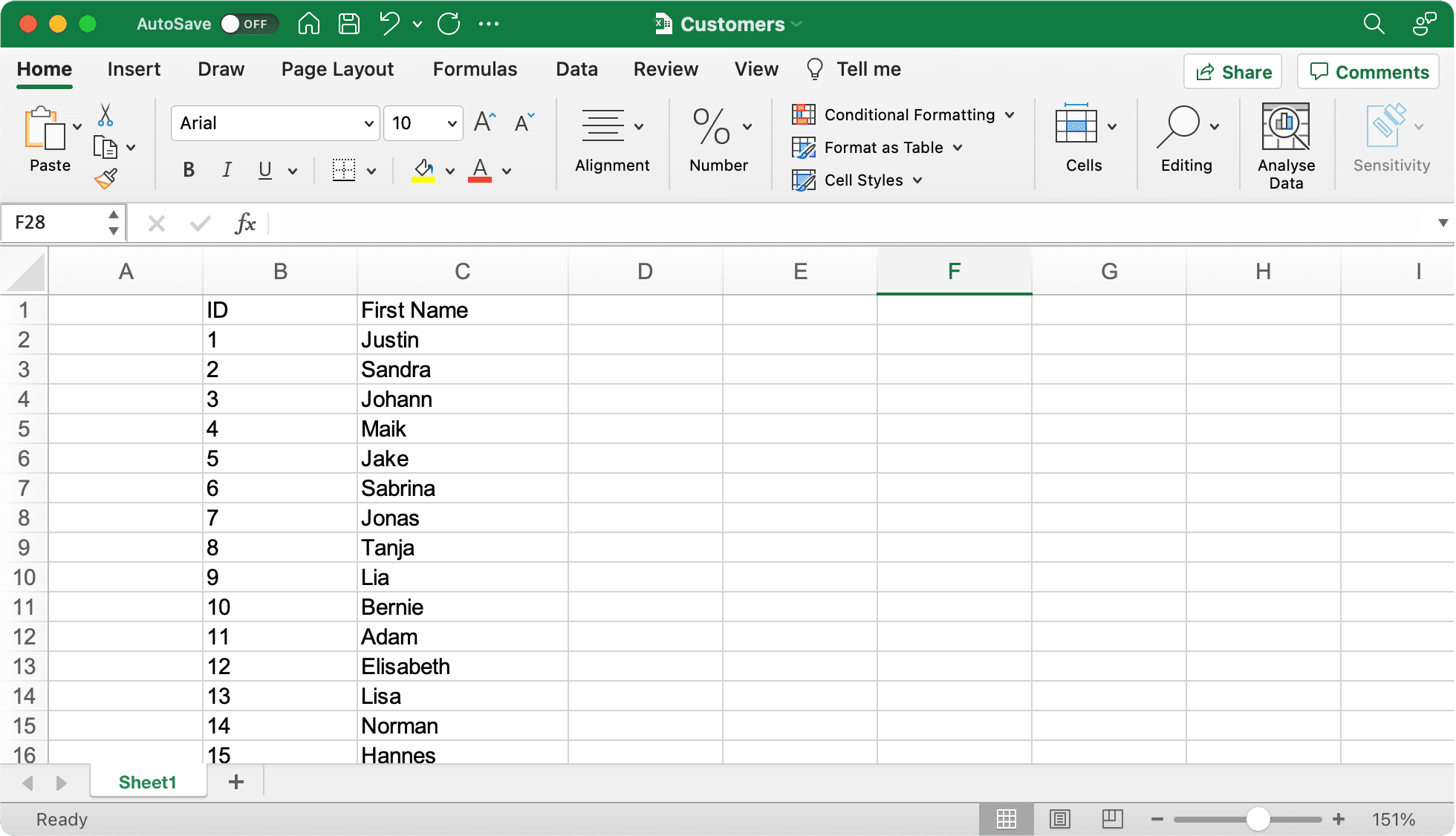
1
first_name;last_name
2
Silvia;Miller
3
Jonathan;Holmes
4
Sophia;Smith











Gender-API är AI-driven och hjälper dig att ta reda på om ett förnamn mer sannolikt används av män eller kvinnor.
{
  "name": "elizabeth",
  "gender": "female",
  "samples": 355,
  "accuracy": 100,
  "duration": "34ms"
}
Prova själv. Ange ett namn för att se resultatet.

Varför specialiserad könsbestämning är bättre än generiska AI-modeller.
Snabbare svarstider jämfört med generiska AI
Fler namn i vår databas
Bättre noggrannhet i könsbestämning
Välj ditt programmeringsspråk för att se installationsinstruktioner och kodexempel
Official client library
Without Composer
Type-safe client
Node.js & Browser
Data science ready
Statistical computing
Enterprise ready
.NET integration
High performance
Elegant syntax
Windows Automation
Memory safe
Vårt officiella PHP-klientbibliotek gör det enkelt att integrera Gender API i dina PHP-applikationer med hjälp av pakethanteraren Composer.
composer require gender-api/client<?php
use GenderApi\Client as GenderApiClient;
$client = new GenderApiClient('your-api-key');
// Simple gender lookup
$result = $client->getByFirstName('Elisabeth');
if ($result->genderFound()) {
echo $result->getGender(); // "female"
echo $result->getAccuracy(); // 99
}
// First name with country (e.g., "Andrea" varies by country)
$result = $client->getByFirstNameAndCountry('Andrea', 'IT');
echo $result->getGender(); // "male" (in Italy)
// Full name with automatic first/last name splitting
$result = $client->getByFirstNameAndLastName('Sandra Miller');
echo $result->getFirstName(); // "Sandra"
echo $result->getLastName(); // "Miller"
echo $result->getGender(); // "female"
// Email address analysis
$result = $client->getByEmailAddress('elisabeth.smith@company.com');
echo $result->getGender(); // "female"
// Batch processing - multiple names in one call
$names = ['Michael', 'Sarah', 'Kim'];
$results = $client->getByMultipleNames($names);
foreach ($results as $result) {
printf(
"%s: %s (%d%% confidence)\n",
$result->getFirstName(),
$result->getGender(),
$result->getAccuracy()
);
}
Fristående PHP-implementation utan Composer-beroende för äldre projekt eller enkla integrationer.
function getGender($firstname) {
  $myKey = 'insert your server key here';
  $data = json_decode(file_get_contents(
  'https://gender-api.com/get?key=' .
  $myKey .
  '&name=' . urlencode($firstname)));
  return $data->gender;
  }

  echo getGender('markus'); //Output: male
Typesäker klient för TypeScript-projekt med full IntelliSense-support och strikt typkontroll.
npm install gender-api.com-client --saveimport { Client } from 'gender-api.com-client';
const client = new Client('your-api-key');
// Simple gender lookup
const result = await client.getByFirstName('Theresa');
console.log(`${result.first_name} is ${result.gender} (Probability: ${result.probability}`);
// First name with country (e.g., "Andrea" varies by country)
const resultWithCountry = await client.getByFirstName('Andrea', { country: 'IT' });
console.log(`${resultWithCountry.first_name} in Italy is ${resultWithCountry.gender}`);
// Full name with automatic first/last name splitting
const fullResult = await client.getByFullName('John Smith');
console.log(`${fullResult.first_name} ${fullResult.last_name} is ${fullResult.gender}`);
// Email address analysis
const emailResult = await client.getByEmailAddress('marie.curie@example.com');
console.log(`Email gender: ${emailResult.gender}`);
// Batch processing - multiple names in one call
const names = [
{ id: '1', first_name: 'Theresa', country: 'US' },
{ id: '2', first_name: 'John', country: 'US' }
];
const batchResults = await client.getByFirstNameMultiple(names);
batchResults.forEach(r => {
console.log(`ID: ${r.input.id}, Gender: ${r.gender}`);
});
// Account statistics
const stats = await client.getStatistics();
console.log(`Credits Remaining: ${stats.remaining_credits}`);
Lättanvänd JavaScript-klient för Node.js- och webbläsarmiljöer med Promise-baserat API.
npm install gender-api.com-client --saveconst { Client } = require('gender-api.com-client');
const client = new Client('your-api-key');
// Simple gender lookup
client.getByFirstName('Theresa').then(result => {
console.log(`${result.first_name} is ${result.gender} (Probability: ${result.probability}`);
}).catch(error => {
console.error('Error:', error);
});
// First name with country (e.g., "Andrea" varies by country)
client.getByFirstName('Andrea', { country: 'IT' }).then(result => {
console.log(`${result.first_name} in Italy is ${result.gender}`);
}).catch(error => {
console.error('Error:', error);
});
// Full name with automatic first/last name splitting
client.getByFullName('John Smith').then(result => {
console.log(`${result.first_name} ${result.last_name} is ${result.gender}`);
}).catch(error => {
console.error('Error:', error);
});
// Email address analysis
client.getByEmailAddress('marie.curie@example.com').then(result => {
console.log(`Email gender: ${result.gender}`);
}).catch(error => {
console.error('Error:', error);
});
// Batch processing - multiple names in one call
const names = [
{ id: '1', first_name: 'Theresa', country: 'US' },
{ id: '2', first_name: 'John', country: 'US' }
];
client.getByFirstNameMultiple(names).then(results => {
results.forEach(r => {
console.log(`ID: ${r.input.id}, Gender: ${r.gender}`);
});
}).catch(error => {
console.error('Error:', error);
});
// Account statistics
client.getStatistics().then(stats => {
console.log(`Credits Remaining: ${stats.remaining_credits}`);
}).catch(error => {
console.error('Error:', error);
});
Python‑vänlig API‑klient med ren, lättläst kod – perfekt för data science, maskininlärning och webbapplikationer.
# Install: pip install gender-api-client
from gender_api import Client

client = Client(api_key="insert your server key here")

# Simple gender lookup
result = client.get_by_first_name("kevin")

if result.result_found:
    print(f"Gender: {result.gender}")  #Gender: male
    print(f"Accuracy: {result.accuracy}%")  #Accuracy: 99%
Python 3.*
import json
from urllib.request import urlopen
myKey = "insert your server key here"
url = "https://gender-api.com/get?key=" + myKey + "&name=kevin"
response = urlopen(url)
decoded = response.read().decode('utf-8')
data = json.loads(decoded)
print( "Gender: " + data["gender"]); #Gender: male
https://github.com/markus-perl/gender-api-client-python
https://pypi.org/project/gender-api-client/
Perfekt för statistisk analys och data science‑flöden i R med sömlös integration.
install.packages(c("httr2", "dplyr", "tibble", "jsonlite"))#' Gender API Client (single name only)
#'
#' Gets gender by a first name, optionally filtered by country.
#'
#' @param name A character string containing a single first name.
#' @param country Optional two-letter country code, see: https://gender-api.com/en/api-docs
#' @param api_key Your Gender-API.com API key.
#'
#' @return A tibble containing the estimated gender, number of samples,
#' accuracy (0–100), and the request duration in ms.
#' @export
#'
#' @examples
#' \dontrun{
#' gender("Andrea", country="US", api_key="YOUR_KEY")
#' gender("Andrea", country="IT")
#' }
#'
library(httr2)
library(dplyr)
gender <- function(name, country = NULL, api_key = Sys.getenv("GENDER_API_KEY")) {
if (missing(name) || length(name) != 1) {
stop("`name` must be a single string.")
}
if (is.null(api_key) || api_key == "") {
stop("API key is required. Set with `Sys.setenv(GENDER_API_KEY='your_key')` or pass via `api_key`.")
}
args <- list(
key = api_key,
name = name
)
if (!is.null(country)) args$country <- country
resp <- request("https://gender-api.com/get") %>%
req_url_query(!!!args) %>%
req_perform()
if (resp_status(resp) >= 400) {
stop("Request failed: ", resp_status_desc(resp))
}
out <- resp_body_json(resp, simplifyVector = TRUE)
tibble::as_tibble(out)
}
gender("Andrea", country="US", api_key="<YOUR API KEY>")Företagsredo Java-implementation för robusta, skalbara applikationer med korrekt felhantering.
import java.net.URI;
import java.net.http.HttpClient;
import java.net.http.HttpRequest;
import java.net.http.HttpResponse;
import java.io.IOException;
import com.google.gson.Gson;
import com.google.gson.JsonObject;

public class Main {

    public static void main(String[] args) {
        String apiKey = "YOUR_API_KEY";
        String url = "https://gender-api.com/v2/gender/by-first-name";
        String payload = "{\"first_name\":\"Theresa\"}";

        HttpClient client = HttpClient.newHttpClient();

        HttpRequest request = HttpRequest.newBuilder()
                .uri(URI.create(url))
                .header("Content-Type", "application/json")
                .header("Authorization", "Bearer " + apiKey)
                .POST(HttpRequest.BodyPublishers.ofString(payload))
                .build();

        try {
            HttpResponse<String> response = client.send(request, HttpResponse.BodyHandlers.ofString());

            Gson gson = new Gson();
            JsonObject json = gson.fromJson(response.body(), JsonObject.class);

            System.out.println("Gender: " + json.get("gender").getAsString());
            System.out.println("Probability: " + json.get("probability").getAsFloat());

        } catch (IOException | InterruptedException e) {
            e.printStackTrace();
        }
    }
}.NET-integration för C#-applikationer med full async/await-support och moderna C#-funktioner.
using System;
using System.Net.Http;
using System.Text;
using System.Text.Json;
using System.Text.Json.Serialization;
using System.Threading.Tasks;

public record GenderResponse(
    [property: JsonPropertyName("first_name")] string FirstName,
    [property: JsonPropertyName("gender")] string Gender,
    [property: JsonPropertyName("probability")] double Probability
);

public class Program
{
    public static async Task Main()
    {
        var apiKey = "YOUR_API_KEY"; // Get your key at https://gender-api.com/en/account/auth-tokens
        using var client = new HttpClient();

        var requestBody = new { first_name = "Theresa" };
        var jsonContent = new StringContent(
            JsonSerializer.Serialize(requestBody),
            Encoding.UTF8,
            "application/json");

        // Add Authorization header
        client.DefaultRequestHeaders.Add("Authorization", $"Bearer {apiKey}");

        try
        {
            // Send POST request to API V2
            var response = await client.PostAsync("https://gender-api.com/v2/gender/by-first-name", jsonContent);
            response.EnsureSuccessStatusCode();

            // Parse response
            var jsonResponse = await response.Content.ReadAsStringAsync();
            var result = JsonSerializer.Deserialize<GenderResponse>(jsonResponse);

            Console.WriteLine($"Gender: {result.Gender}");
            Console.WriteLine($"Probability: {result.Probability}");
        }
        catch (Exception ex)
        {
            Console.WriteLine($"Error: {ex.Message}");
        }
    }
}Högpresterande Go-klient som använder standardbibliotek för smidig integrering.
package main

import (
    "bytes"
    "encoding/json"
    "fmt"
    "io/ioutil"
    "net/http"
)

// Response defines the structure of the JSON response from Gender-API.com
type Response struct {
    ResultFound bool    `json:"result_found"`
    FirstName   string  `json:"first_name"`
    Gender      string  `json:"gender"`
    Probability float64 `json:"probability"`
}

func main() {
    // Determine the gender of a first name using API V2
    // ---------------------------------------------------
    apiKey := "YOUR_API_KEY" // Get your key at https://gender-api.com/en/account/auth-tokens
    firstName := "Theresa"

    // Construct the JSON payload
    requestBody, _ := json.Marshal(map[string]string{
        "first_name": firstName,
    })

    // Create the request
    req, err := http.NewRequest("POST", "https://gender-api.com/v2/gender/by-first-name", bytes.NewBuffer(requestBody))
    if err != nil {
        fmt.Printf("Error creating request: %s\n", err)
        return
    }

    // Set headers
    req.Header.Set("Content-Type", "application/json")
    req.Header.Set("Authorization", "Bearer "+apiKey)

    // Perform the request
    client := &http.Client{}
    resp, err := client.Do(req)
    if err != nil {
        fmt.Printf("Error making request: %s\n", err)
        return
    }
    defer resp.Body.Close()

    // Read the response body
    body, err := ioutil.ReadAll(resp.Body)
    if err != nil {
        fmt.Printf("Error reading response: %s\n", err)
        return
    }

    // Parse the JSON response
    var result Response
    if err := json.Unmarshal(body, &result); err != nil {
        fmt.Printf("Error parsing JSON: %s\n", err)
        return
    }

    // Output the result
    fmt.Printf("Name: %s\n", result.FirstName)
    fmt.Printf("Gender: %s\n", result.Gender)
    fmt.Printf("Probability: %.2f\n", result.Probability)
}Enkel och elegant Ruby-klient för smidig API-integration.
require 'net/http'
require 'json'
require 'uri'

# Determine the gender of a first name using API V2
# ---------------------------------------------------
api_key = 'YOUR_API_KEY' # Get your key at https://gender-api.com/en/account/auth-tokens
uri = URI('https://gender-api.com/v2/gender/by-first-name')

http = Net::HTTP.new(uri.host, uri.port)
http.use_ssl = true

request = Net::HTTP::Post.new(uri)
request['Content-Type'] = 'application/json'
request['Authorization'] = "Bearer #{api_key}"
request.body = JSON.dump({ first_name: 'Theresa' })

begin
  response = http.request(request)

  # Parse the JSON response
  result = JSON.parse(response.read_body)

  puts "Gender: #{result['gender']}"
  puts "Probability: #{result['probability']}"
rescue StandardError => e
  puts "Error: #{e.message}"
end
Automatisera dina Windows-arbetsflöden med vår direkta PowerShell-integration.
# Determine the gender of a first name using API V2
# ---------------------------------------------------

$apiKey = "YOUR_API_KEY" # Get your key at https://gender-api.com/en/account/auth-tokens
$url = "https://gender-api.com/v2/gender/by-first-name"

$body = @{
    first_name = "Theresa"
} | ConvertTo-Json

$headers = @{
    "Content-Type" = "application/json"
    "Authorization" = "Bearer $apiKey"
}

try {
    $response = Invoke-RestMethod -Uri $url -Method Post -Headers $headers -Body $body

    Write-Host "Name: $($response.first_name)"
    Write-Host "Gender: $($response.gender)"
    Write-Host "Probability: $($response.probability)"
}
catch {
    Write-Host "Error: $_"
}
Blixtsnabb och minnessnål klient för högpresterande applikationer.
use reqwest::header::AUTHORIZATION;
use serde::{Deserialize, Serialize};
use std::error::Error;

// Add to Cargo.toml:
// [dependencies]
// reqwest = { version = "0.11", features = ["json"] }
// tokio = { version = "1", features = ["full"] }
// serde = { version = "1.0", features = ["derive"] }

#[derive(Serialize)]
struct Request<'a> {
    first_name: &'a str,
}

#[derive(Deserialize, Debug)]
struct Response {
    gender: String,
    probability: f64,
}

#[tokio::main]
async fn main() -> Result<(), Box<dyn Error>> {
    let api_key = "YOUR_API_KEY"; // Get your key at https://gender-api.com/en/account/auth-tokens
    let client = reqwest::Client::new();

    let resp: Response = client
        .post("https://gender-api.com/v2/gender/by-first-name")
        .header(AUTHORIZATION, format!("Bearer {api_key}"))
        .json(&Request { first_name: "Theresa" })
        .send()
        await?
        .json()
        await?;

    println!("Gender: {}", resp.gender);
    println!("Probability: {}", resp.probability);

    Ok(())
}
Gender-API fungerar sömlöst med de verktyg du redan använder. Utforska vårt växande ekosystem av integrationer.
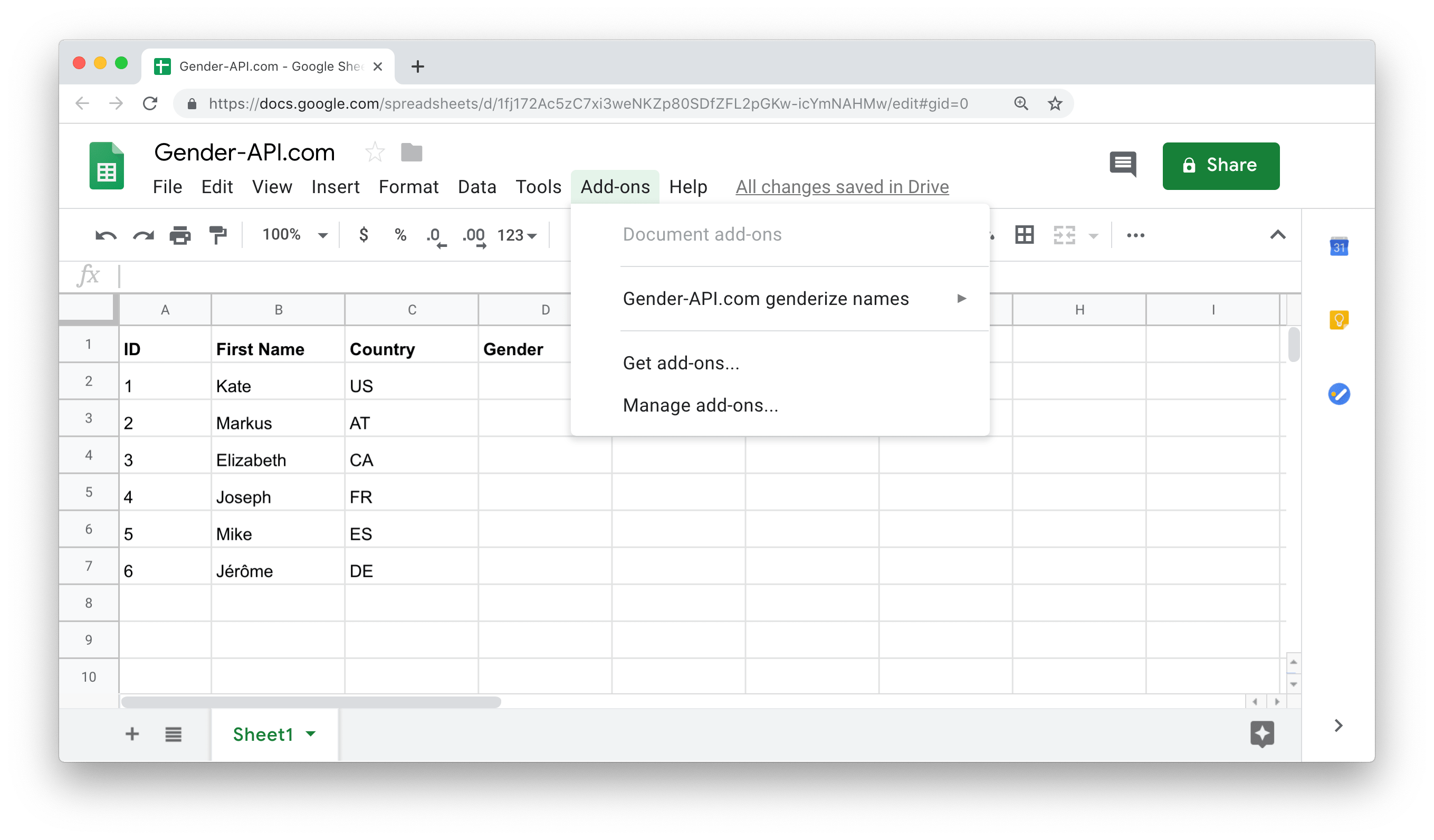
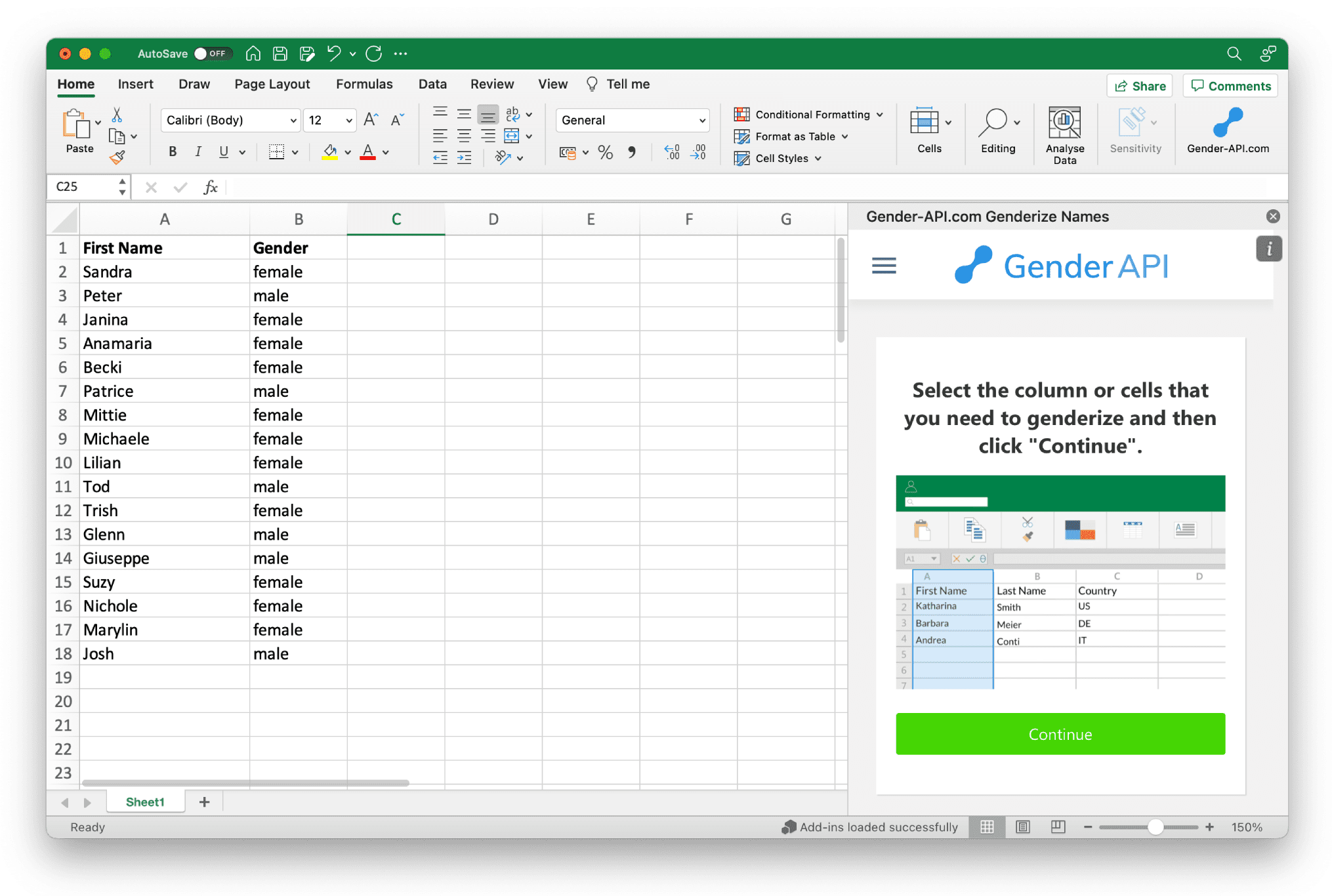
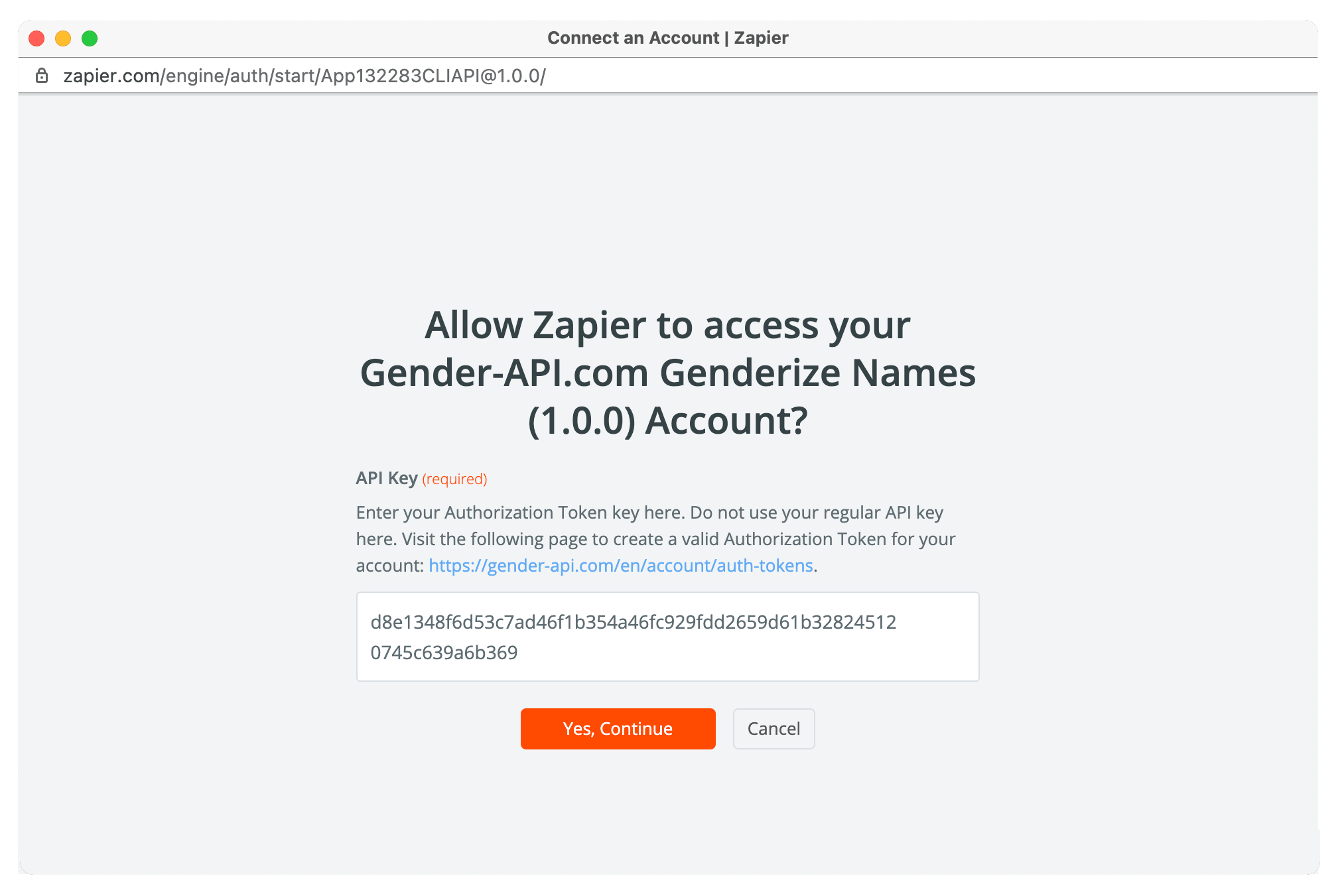

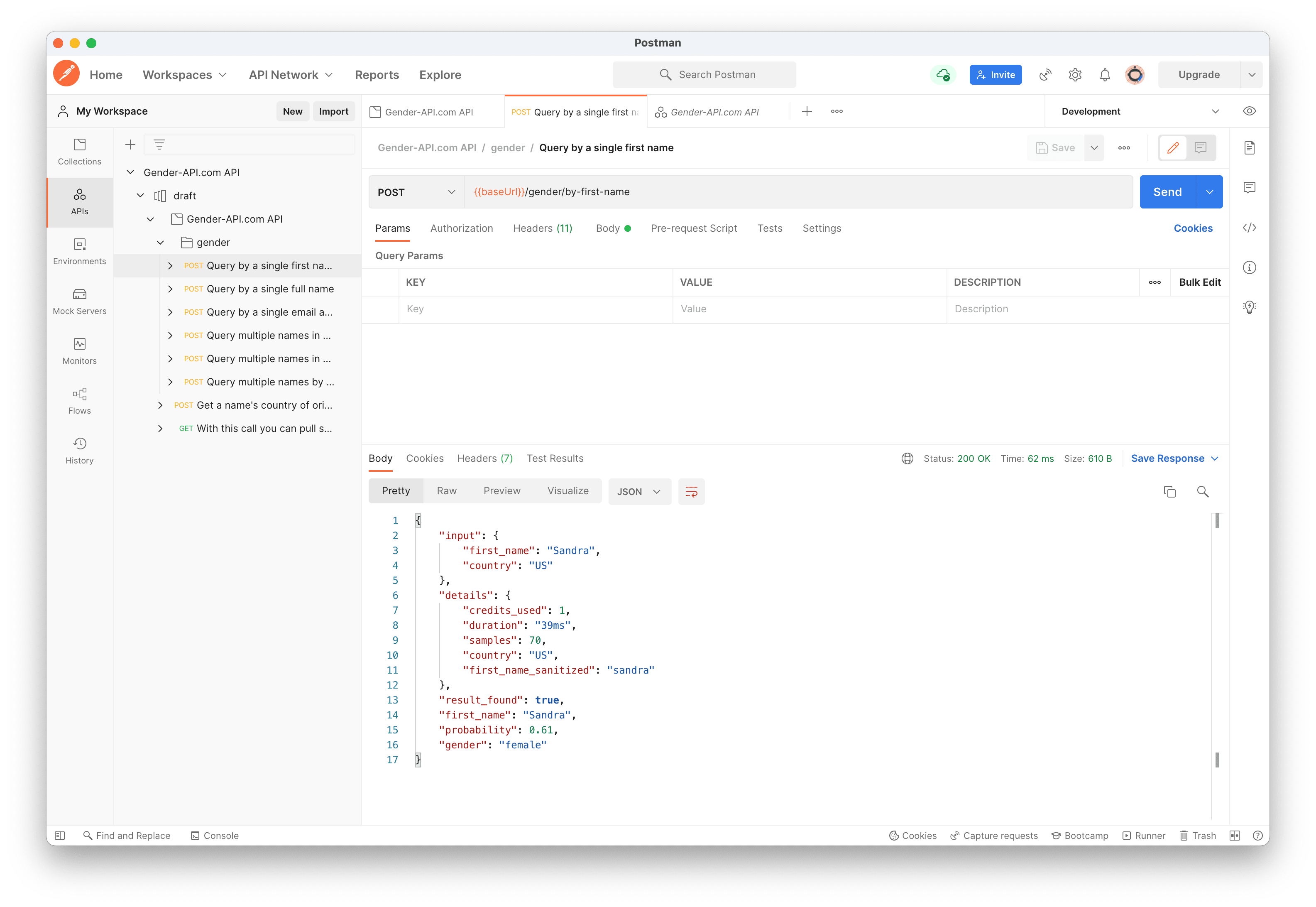



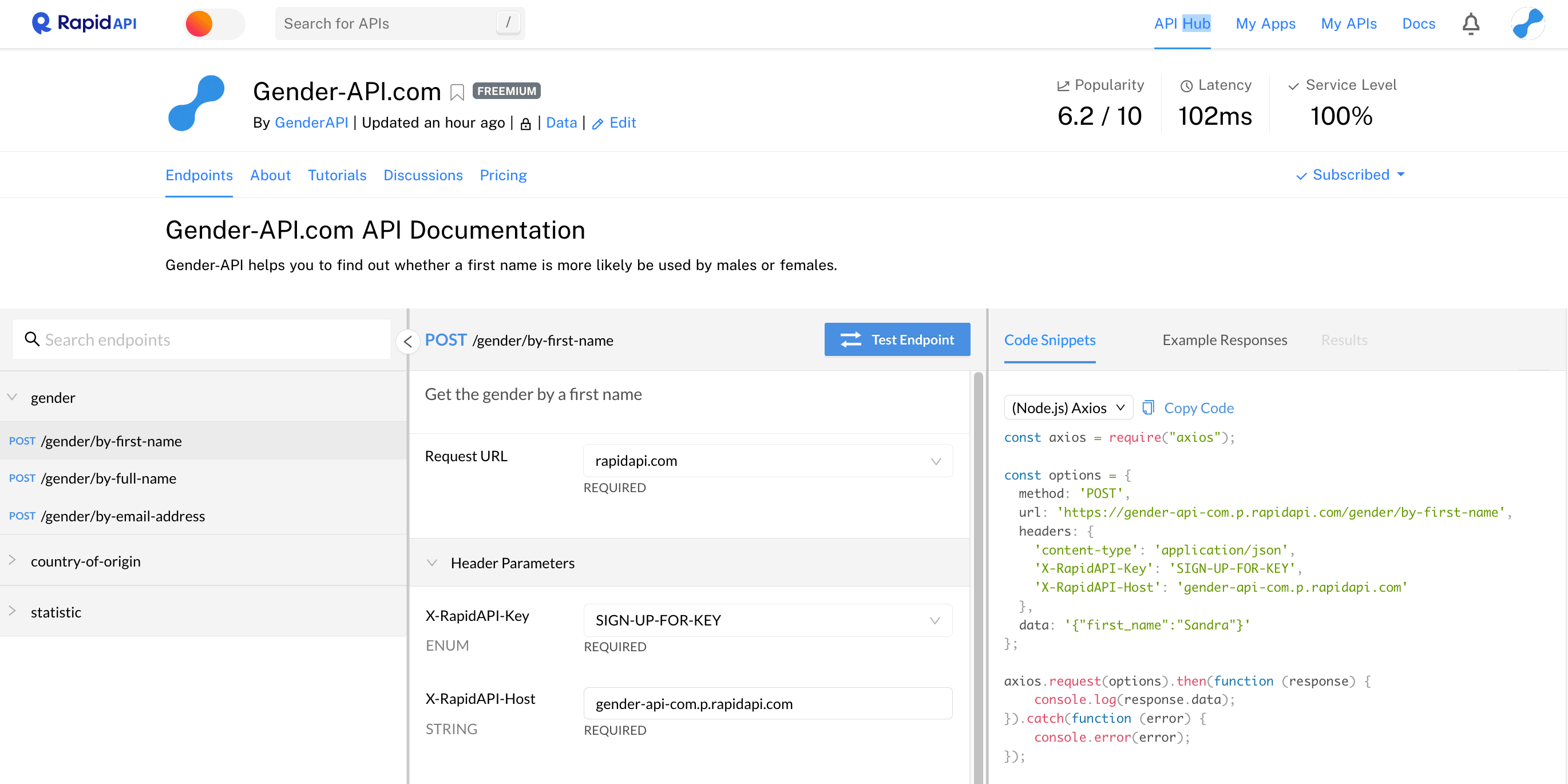
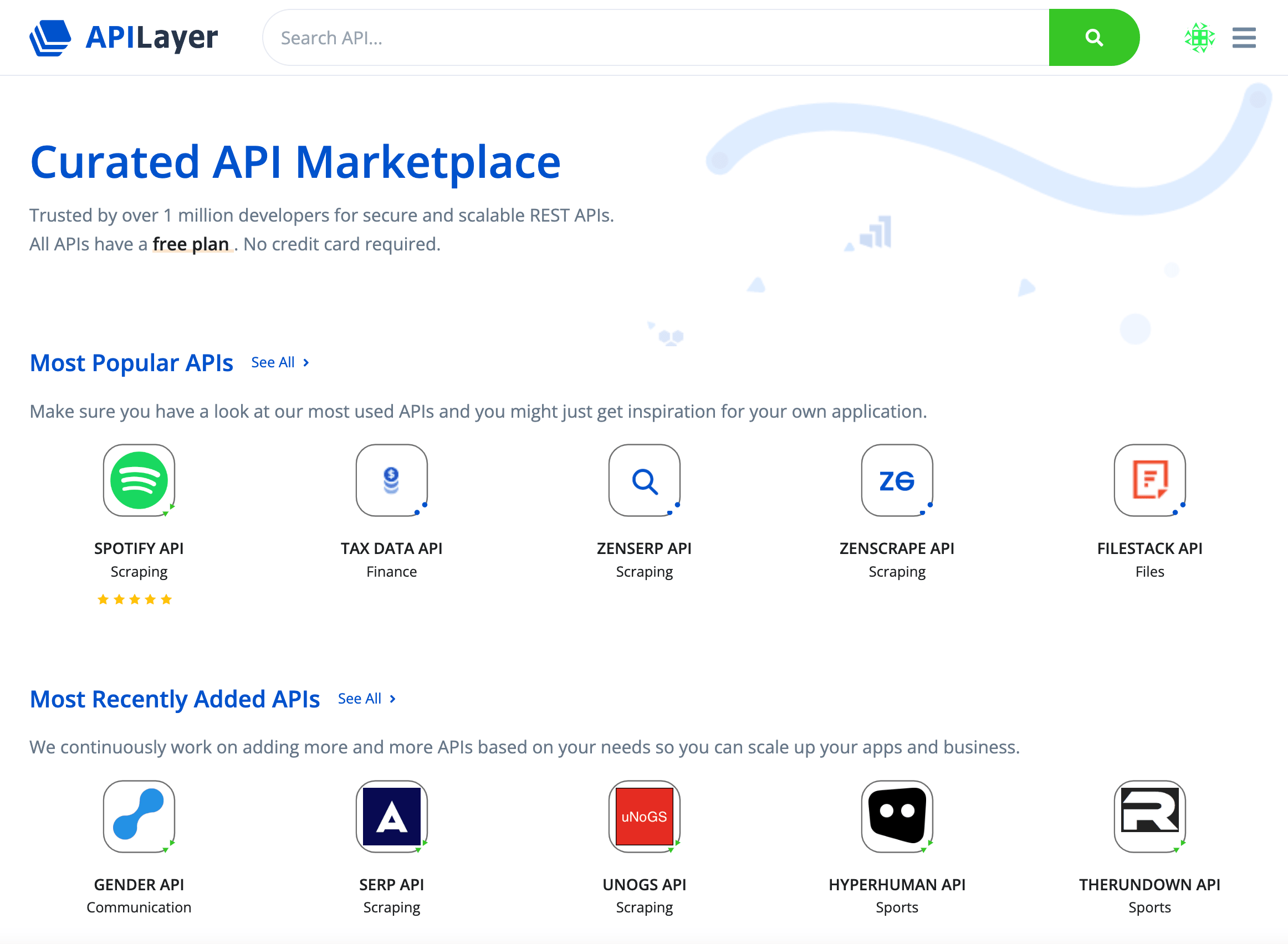
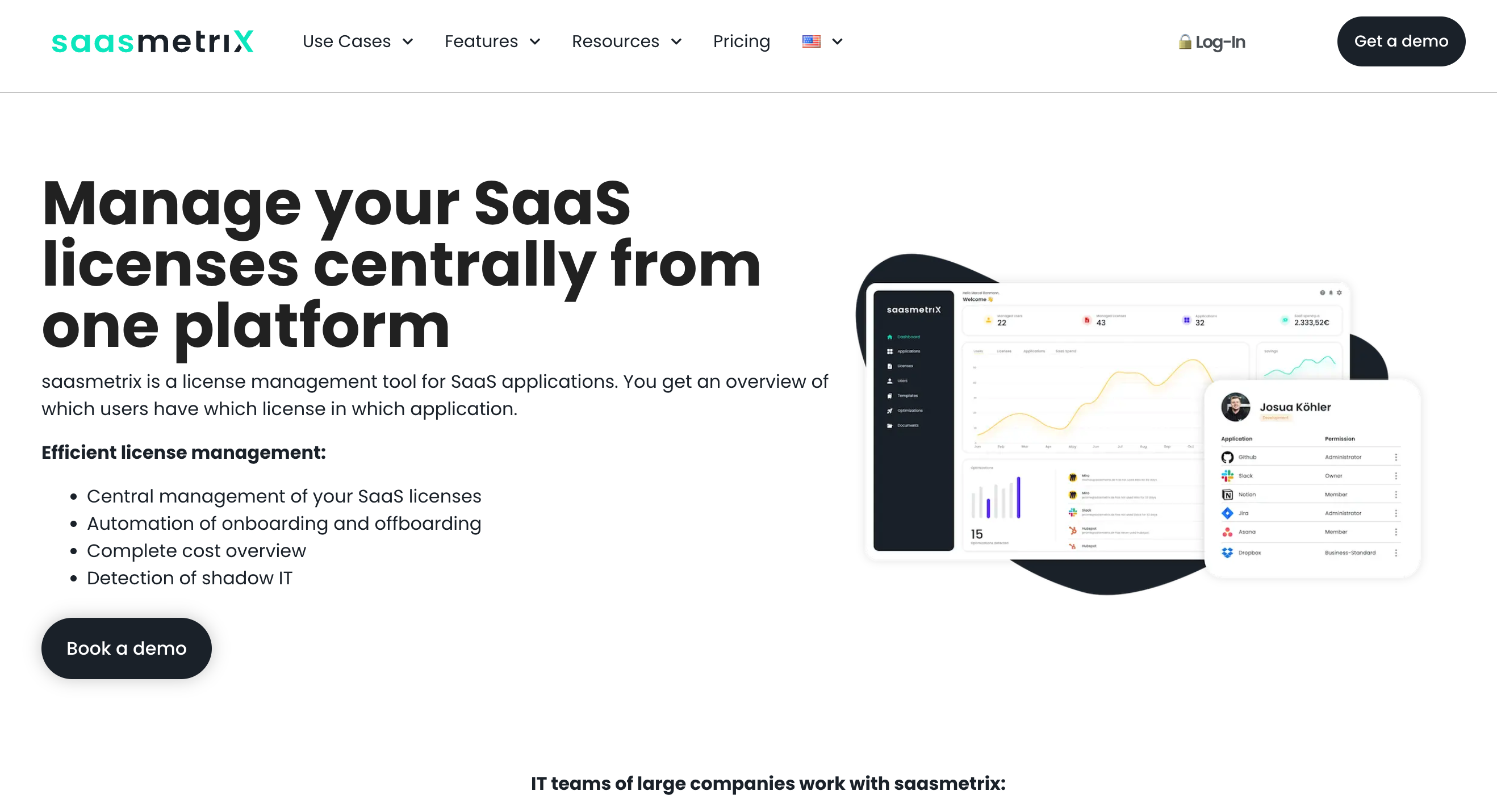
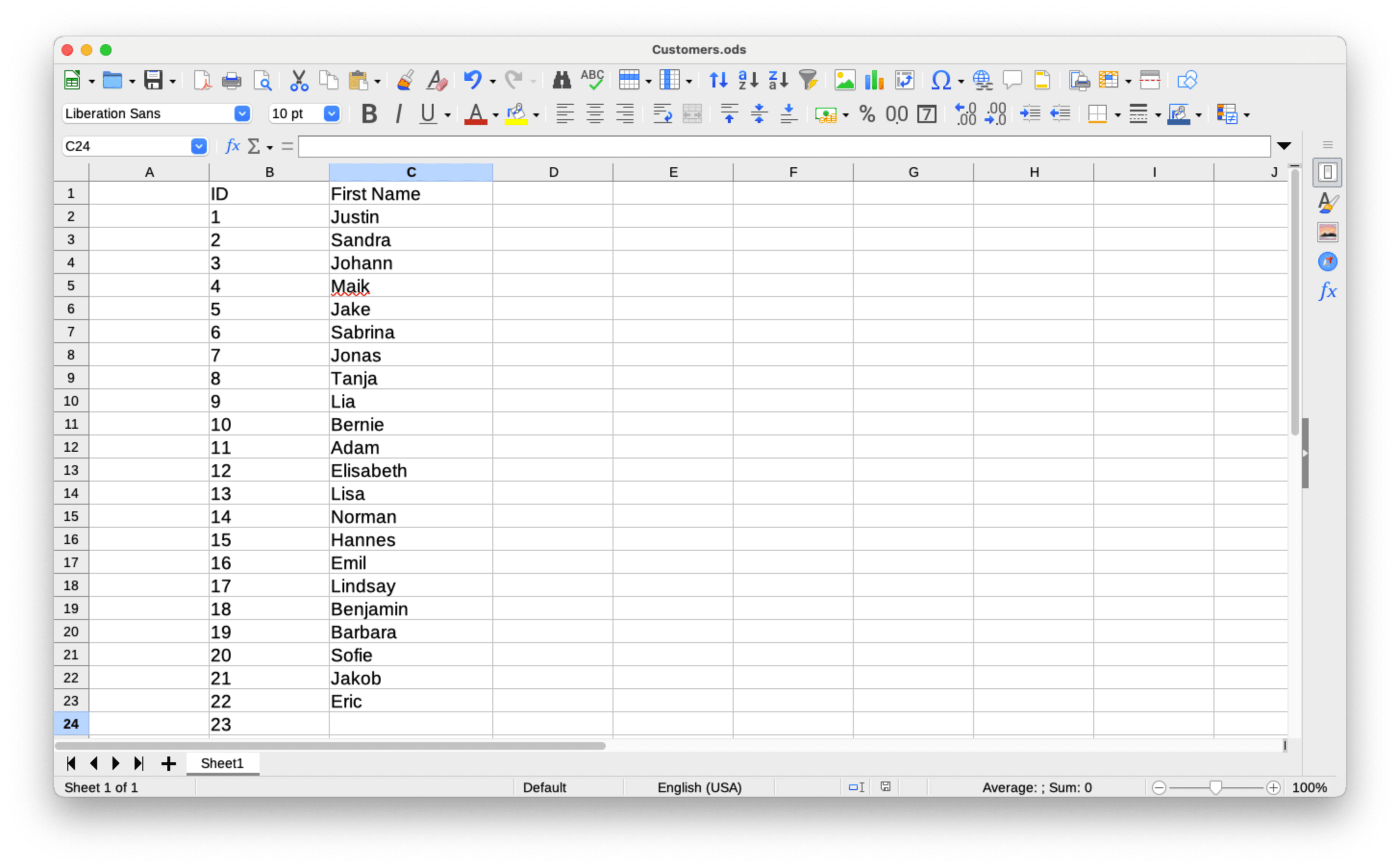
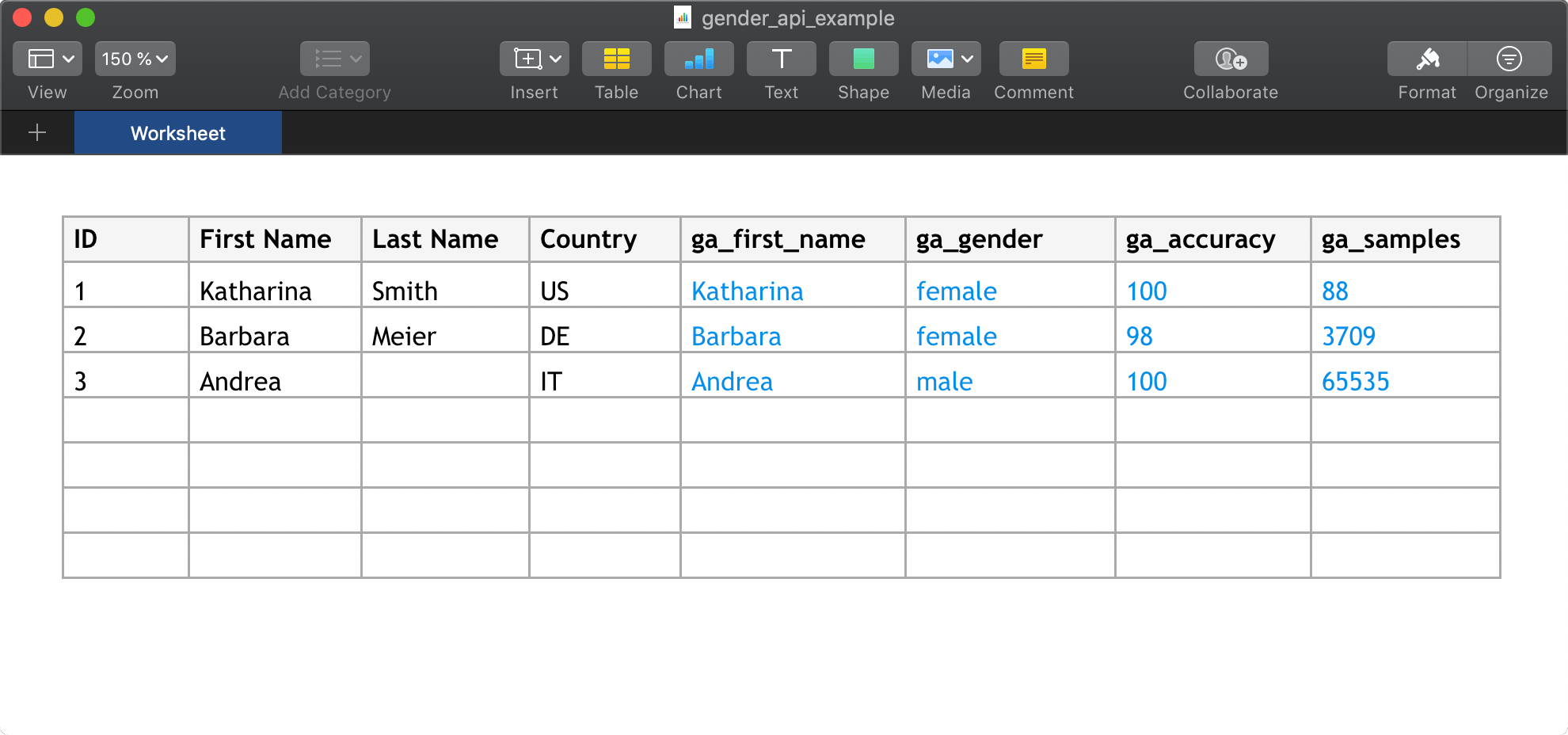
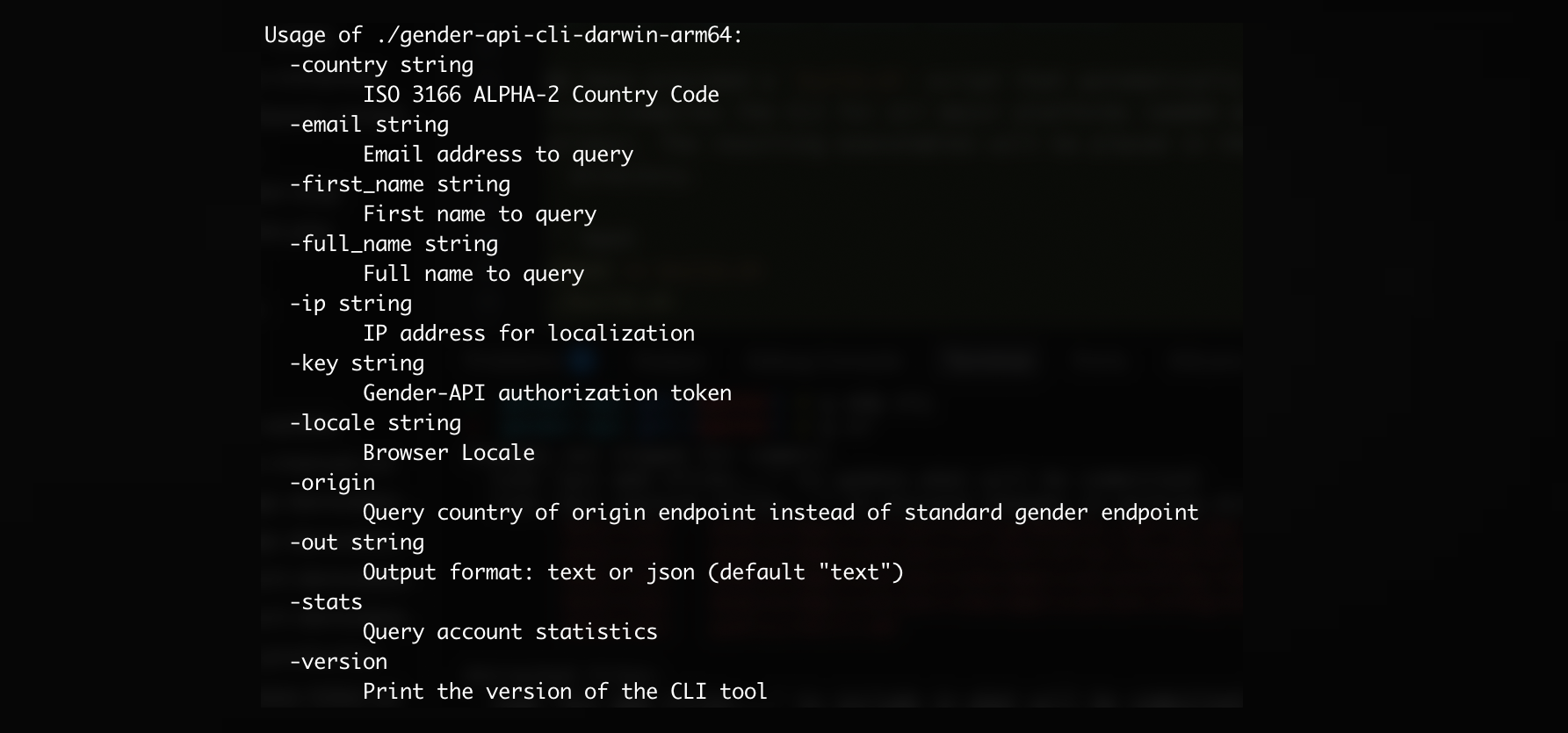
Och många fler integrationer tillgängliga!
Visa Alla IntegrationerLadda upp CSV-filer med upp till 10,000,000 dataset eller Excel-filer med upp till 100,000 dataset per fil.

Gå med oss idag och få upp till 100 förfrågningar gratis varje månad.
Lär dig mer om Gender API och hur det kan hjälpa ditt företag.