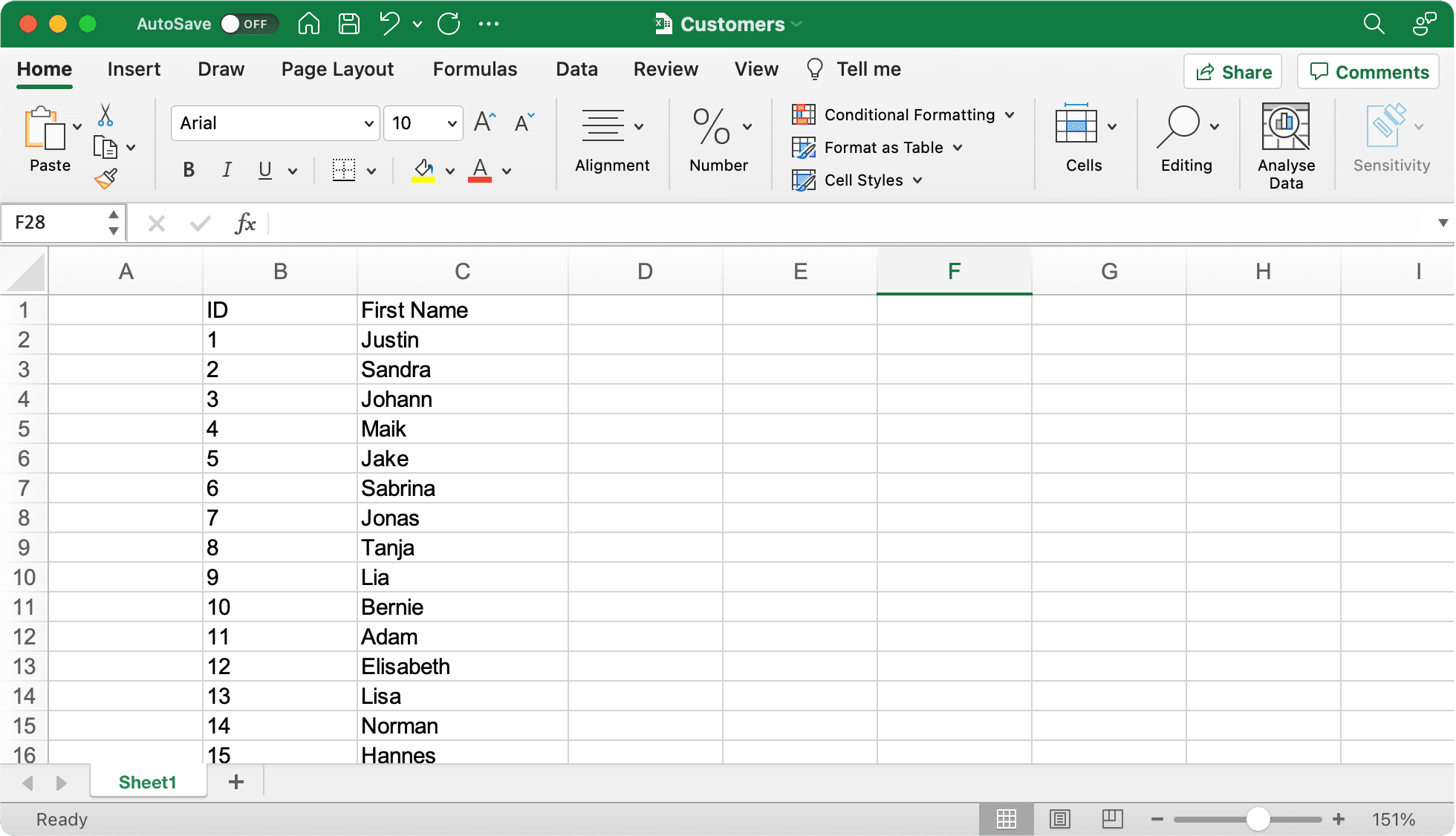
1
first_name;last_name
2
Silvia;Miller
3
Jonathan;Holmes
4
Sophia;Smith











Gender-API jest zasilany sztuczną inteligencją i pomaga określić, czy dane imię jest bardziej prawdopodobne do użytku przez mężczyzn czy kobiety.
{
  "name": "elizabeth",
  "gender": "female",
  "samples": 355,
  "accuracy": 100,
  "duration": "34ms"
}
Spróbuj sam. Wpisz imię, aby zobaczyć wynik.

Dlaczego specjalistyczne określanie płci przewyższa ogólne modele AI.
Szybsze czasy reakcji w porównaniu do ogólnego AI
Więcej imion w naszej bazie danych
Lepsza dokładność w określaniu płci
Wybierz swój język programowania, aby zobaczyć instrukcje instalacji i przykłady kodu
Official client library
Without Composer
Type-safe client
Node.js & Browser
Data science ready
Statistical computing
Enterprise ready
.NET integration
High performance
Elegant syntax
Windows Automation
Memory safe
Nasza oficjalna biblioteka kliencka PHP zapewnia wygodny sposób integracji Gender API z Twoimi aplikacjami PHP przy użyciu menedżera pakietów Composer.
composer require gender-api/client<?php
use GenderApi\Client as GenderApiClient;
$client = new GenderApiClient('your-api-key');
// Simple gender lookup
$result = $client->getByFirstName('Elisabeth');
if ($result->genderFound()) {
echo $result->getGender(); // "female"
echo $result->getAccuracy(); // 99
}
// First name with country (e.g., "Andrea" varies by country)
$result = $client->getByFirstNameAndCountry('Andrea', 'IT');
echo $result->getGender(); // "male" (in Italy)
// Full name with automatic first/last name splitting
$result = $client->getByFirstNameAndLastName('Sandra Miller');
echo $result->getFirstName(); // "Sandra"
echo $result->getLastName(); // "Miller"
echo $result->getGender(); // "female"
// Email address analysis
$result = $client->getByEmailAddress('elisabeth.smith@company.com');
echo $result->getGender(); // "female"
// Batch processing - multiple names in one call
$names = ['Michael', 'Sarah', 'Kim'];
$results = $client->getByMultipleNames($names);
foreach ($results as $result) {
printf(
"%s: %s (%d%% confidence)\n",
$result->getFirstName(),
$result->getGender(),
$result->getAccuracy()
);
}
Samodzielna implementacja PHP bez zależności od Composera – idealna dla starszych projektów lub prostych integracji.
function getGender($firstname) {
  $myKey = 'insert your server key here';
  $data = json_decode(file_get_contents(
  'https://gender-api.com/get?key=' .
  $myKey .
  '&name=' . urlencode($firstname)));
  return $data->gender;
  }

  echo getGender('markus'); //Output: male
Bezpieczny typowo klient dla projektów TypeScript z pełną obsługą IntelliSense i rygorystycznym sprawdzaniem typów.
npm install gender-api.com-client --saveimport { Client } from 'gender-api.com-client';
const client = new Client('your-api-key');
// Simple gender lookup
const result = await client.getByFirstName('Theresa');
console.log(`${result.first_name} is ${result.gender} (Probability: ${result.probability}`);
// First name with country (e.g., "Andrea" varies by country)
const resultWithCountry = await client.getByFirstName('Andrea', { country: 'IT' });
console.log(`${resultWithCountry.first_name} in Italy is ${resultWithCountry.gender}`);
// Full name with automatic first/last name splitting
const fullResult = await client.getByFullName('John Smith');
console.log(`${fullResult.first_name} ${fullResult.last_name} is ${fullResult.gender}`);
// Email address analysis
const emailResult = await client.getByEmailAddress('marie.curie@example.com');
console.log(`Email gender: ${emailResult.gender}`);
// Batch processing - multiple names in one call
const names = [
{ id: '1', first_name: 'Theresa', country: 'US' },
{ id: '2', first_name: 'John', country: 'US' }
];
const batchResults = await client.getByFirstNameMultiple(names);
batchResults.forEach(r => {
console.log(`ID: ${r.input.id}, Gender: ${r.gender}`);
});
// Account statistics
const stats = await client.getStatistics();
console.log(`Credits Remaining: ${stats.remaining_credits}`);
Łatwy w użyciu klient JavaScript dla środowisk Node.js i przeglądarek z API opartym na Promise.
npm install gender-api.com-client --saveconst { Client } = require('gender-api.com-client');
const client = new Client('your-api-key');
// Simple gender lookup
client.getByFirstName('Theresa').then(result => {
console.log(`${result.first_name} is ${result.gender} (Probability: ${result.probability}`);
}).catch(error => {
console.error('Error:', error);
});
// First name with country (e.g., "Andrea" varies by country)
client.getByFirstName('Andrea', { country: 'IT' }).then(result => {
console.log(`${result.first_name} in Italy is ${result.gender}`);
}).catch(error => {
console.error('Error:', error);
});
// Full name with automatic first/last name splitting
client.getByFullName('John Smith').then(result => {
console.log(`${result.first_name} ${result.last_name} is ${result.gender}`);
}).catch(error => {
console.error('Error:', error);
});
// Email address analysis
client.getByEmailAddress('marie.curie@example.com').then(result => {
console.log(`Email gender: ${result.gender}`);
}).catch(error => {
console.error('Error:', error);
});
// Batch processing - multiple names in one call
const names = [
{ id: '1', first_name: 'Theresa', country: 'US' },
{ id: '2', first_name: 'John', country: 'US' }
];
client.getByFirstNameMultiple(names).then(results => {
results.forEach(r => {
console.log(`ID: ${r.input.id}, Gender: ${r.gender}`);
});
}).catch(error => {
console.error('Error:', error);
});
// Account statistics
client.getStatistics().then(stats => {
console.log(`Credits Remaining: ${stats.remaining_credits}`);
}).catch(error => {
console.error('Error:', error);
});
Pythonowy klient API z przejrzystym, czytelnym kodem – idealny do data science, uczenia maszynowego i aplikacji webowych.
# Install: pip install gender-api-client
from gender_api import Client

client = Client(api_key="insert your server key here")

# Simple gender lookup
result = client.get_by_first_name("kevin")

if result.result_found:
    print(f"Gender: {result.gender}")  #Gender: male
    print(f"Accuracy: {result.accuracy}%")  #Accuracy: 99%
Python 3.*
import json
from urllib.request import urlopen
myKey = "insert your server key here"
url = "https://gender-api.com/get?key=" + myKey + "&name=kevin"
response = urlopen(url)
decoded = response.read().decode('utf-8')
data = json.loads(decoded)
print( "Gender: " + data["gender"]); #Gender: male
https://github.com/markus-perl/gender-api-client-python
https://pypi.org/project/gender-api-client/
Idealne rozwiązanie do analiz statystycznych i przepływów pracy data science w R z bezproblemową integracją.
install.packages(c("httr2", "dplyr", "tibble", "jsonlite"))#' Gender API Client (single name only)
#'
#' Gets gender by a first name, optionally filtered by country.
#'
#' @param name A character string containing a single first name.
#' @param country Optional two-letter country code, see: https://gender-api.com/en/api-docs
#' @param api_key Your Gender-API.com API key.
#'
#' @return A tibble containing the estimated gender, number of samples,
#' accuracy (0–100), and the request duration in ms.
#' @export
#'
#' @examples
#' \dontrun{
#' gender("Andrea", country="US", api_key="YOUR_KEY")
#' gender("Andrea", country="IT")
#' }
#'
library(httr2)
library(dplyr)
gender <- function(name, country = NULL, api_key = Sys.getenv("GENDER_API_KEY")) {
if (missing(name) || length(name) != 1) {
stop("`name` must be a single string.")
}
if (is.null(api_key) || api_key == "") {
stop("API key is required. Set with `Sys.setenv(GENDER_API_KEY='your_key')` or pass via `api_key`.")
}
args <- list(
key = api_key,
name = name
)
if (!is.null(country)) args$country <- country
resp <- request("https://gender-api.com/get") %>%
req_url_query(!!!args) %>%
req_perform()
if (resp_status(resp) >= 400) {
stop("Request failed: ", resp_status_desc(resp))
}
out <- resp_body_json(resp, simplifyVector = TRUE)
tibble::as_tibble(out)
}
gender("Andrea", country="US", api_key="<YOUR API KEY>")Gotowa na zastosowania korporacyjne implementacja w Javie do tworzenia niezawodnych, skalowalnych aplikacji z poprawną obsługą błędów.
import java.net.URI;
import java.net.http.HttpClient;
import java.net.http.HttpRequest;
import java.net.http.HttpResponse;
import java.io.IOException;
import com.google.gson.Gson;
import com.google.gson.JsonObject;

public class Main {

    public static void main(String[] args) {
        String apiKey = "YOUR_API_KEY";
        String url = "https://gender-api.com/v2/gender/by-first-name";
        String payload = "{\"first_name\":\"Theresa\"}";

        HttpClient client = HttpClient.newHttpClient();

        HttpRequest request = HttpRequest.newBuilder()
                .uri(URI.create(url))
                .header("Content-Type", "application/json")
                .header("Authorization", "Bearer " + apiKey)
                .POST(HttpRequest.BodyPublishers.ofString(payload))
                .build();

        try {
            HttpResponse<String> response = client.send(request, HttpResponse.BodyHandlers.ofString());

            Gson gson = new Gson();
            JsonObject json = gson.fromJson(response.body(), JsonObject.class);

            System.out.println("Gender: " + json.get("gender").getAsString());
            System.out.println("Probability: " + json.get("probability").getAsFloat());

        } catch (IOException | InterruptedException e) {
            e.printStackTrace();
        }
    }
}Integracja .NET dla aplikacji w C# z pełnym wsparciem async/await i nowoczesnymi funkcjami C#.
using System;
using System.Net.Http;
using System.Text;
using System.Text.Json;
using System.Text.Json.Serialization;
using System.Threading.Tasks;

public record GenderResponse(
    [property: JsonPropertyName("first_name")] string FirstName,
    [property: JsonPropertyName("gender")] string Gender,
    [property: JsonPropertyName("probability")] double Probability
);

public class Program
{
    public static async Task Main()
    {
        var apiKey = "YOUR_API_KEY"; // Get your key at https://gender-api.com/en/account/auth-tokens
        using var client = new HttpClient();

        var requestBody = new { first_name = "Theresa" };
        var jsonContent = new StringContent(
            JsonSerializer.Serialize(requestBody),
            Encoding.UTF8,
            "application/json");

        // Add Authorization header
        client.DefaultRequestHeaders.Add("Authorization", $"Bearer {apiKey}");

        try
        {
            // Send POST request to API V2
            var response = await client.PostAsync("https://gender-api.com/v2/gender/by-first-name", jsonContent);
            response.EnsureSuccessStatusCode();

            // Parse response
            var jsonResponse = await response.Content.ReadAsStringAsync();
            var result = JsonSerializer.Deserialize<GenderResponse>(jsonResponse);

            Console.WriteLine($"Gender: {result.Gender}");
            Console.WriteLine($"Probability: {result.Probability}");
        }
        catch (Exception ex)
        {
            Console.WriteLine($"Error: {ex.Message}");
        }
    }
}Wydajny klient Go oparty na standardowych bibliotekach, zapewniający bezproblemową integrację.
package main

import (
    "bytes"
    "encoding/json"
    "fmt"
    "io/ioutil"
    "net/http"
)

// Response defines the structure of the JSON response from Gender-API.com
type Response struct {
    ResultFound bool    `json:"result_found"`
    FirstName   string  `json:"first_name"`
    Gender      string  `json:"gender"`
    Probability float64 `json:"probability"`
}

func main() {
    // Determine the gender of a first name using API V2
    // ---------------------------------------------------
    apiKey := "YOUR_API_KEY" // Get your key at https://gender-api.com/en/account/auth-tokens
    firstName := "Theresa"

    // Construct the JSON payload
    requestBody, _ := json.Marshal(map[string]string{
        "first_name": firstName,
    })

    // Create the request
    req, err := http.NewRequest("POST", "https://gender-api.com/v2/gender/by-first-name", bytes.NewBuffer(requestBody))
    if err != nil {
        fmt.Printf("Error creating request: %s\n", err)
        return
    }

    // Set headers
    req.Header.Set("Content-Type", "application/json")
    req.Header.Set("Authorization", "Bearer "+apiKey)

    // Perform the request
    client := &http.Client{}
    resp, err := client.Do(req)
    if err != nil {
        fmt.Printf("Error making request: %s\n", err)
        return
    }
    defer resp.Body.Close()

    // Read the response body
    body, err := ioutil.ReadAll(resp.Body)
    if err != nil {
        fmt.Printf("Error reading response: %s\n", err)
        return
    }

    // Parse the JSON response
    var result Response
    if err := json.Unmarshal(body, &result); err != nil {
        fmt.Printf("Error parsing JSON: %s\n", err)
        return
    }

    // Output the result
    fmt.Printf("Name: %s\n", result.FirstName)
    fmt.Printf("Gender: %s\n", result.Gender)
    fmt.Printf("Probability: %.2f\n", result.Probability)
}Prosty i elegancki klient Ruby do łatwej integracji z API.
require 'net/http'
require 'json'
require 'uri'

# Determine the gender of a first name using API V2
# ---------------------------------------------------
api_key = 'YOUR_API_KEY' # Get your key at https://gender-api.com/en/account/auth-tokens
uri = URI('https://gender-api.com/v2/gender/by-first-name')

http = Net::HTTP.new(uri.host, uri.port)
http.use_ssl = true

request = Net::HTTP::Post.new(uri)
request['Content-Type'] = 'application/json'
request['Authorization'] = "Bearer #{api_key}"
request.body = JSON.dump({ first_name: 'Theresa' })

begin
  response = http.request(request)

  # Parse the JSON response
  result = JSON.parse(response.read_body)

  puts "Gender: #{result['gender']}"
  puts "Probability: #{result['probability']}"
rescue StandardError => e
  puts "Error: #{e.message}"
end
Zautomatyzuj swoje przepływy pracy w Windows dzięki naszej bezpośredniej integracji z PowerShell.
# Determine the gender of a first name using API V2
# ---------------------------------------------------

$apiKey = "YOUR_API_KEY" # Get your key at https://gender-api.com/en/account/auth-tokens
$url = "https://gender-api.com/v2/gender/by-first-name"

$body = @{
    first_name = "Theresa"
} | ConvertTo-Json

$headers = @{
    "Content-Type" = "application/json"
    "Authorization" = "Bearer $apiKey"
}

try {
    $response = Invoke-RestMethod -Uri $url -Method Post -Headers $headers -Body $body

    Write-Host "Name: $($response.first_name)"
    Write-Host "Gender: $($response.gender)"
    Write-Host "Probability: $($response.probability)"
}
catch {
    Write-Host "Error: $_"
}
Błyskawicznie szybki i oszczędny pod względem pamięci klient dla aplikacji o wysokiej wydajności.
use reqwest::header::AUTHORIZATION;
use serde::{Deserialize, Serialize};
use std::error::Error;

// Add to Cargo.toml:
// [dependencies]
// reqwest = { version = "0.11", features = ["json"] }
// tokio = { version = "1", features = ["full"] }
// serde = { version = "1.0", features = ["derive"] }

#[derive(Serialize)]
struct Request<'a> {
    first_name: &'a str,
}

#[derive(Deserialize, Debug)]
struct Response {
    gender: String,
    probability: f64,
}

#[tokio::main]
async fn main() -> Result<(), Box<dyn Error>> {
    let api_key = "YOUR_API_KEY"; // Get your key at https://gender-api.com/en/account/auth-tokens
    let client = reqwest::Client::new();

    let resp: Response = client
        .post("https://gender-api.com/v2/gender/by-first-name")
        .header(AUTHORIZATION, format!("Bearer {api_key}"))
        .json(&Request { first_name: "Theresa" })
        .send()
        await?
        .json()
        await?;

    println!("Gender: {}", resp.gender);
    println!("Probability: {}", resp.probability);

    Ok(())
}
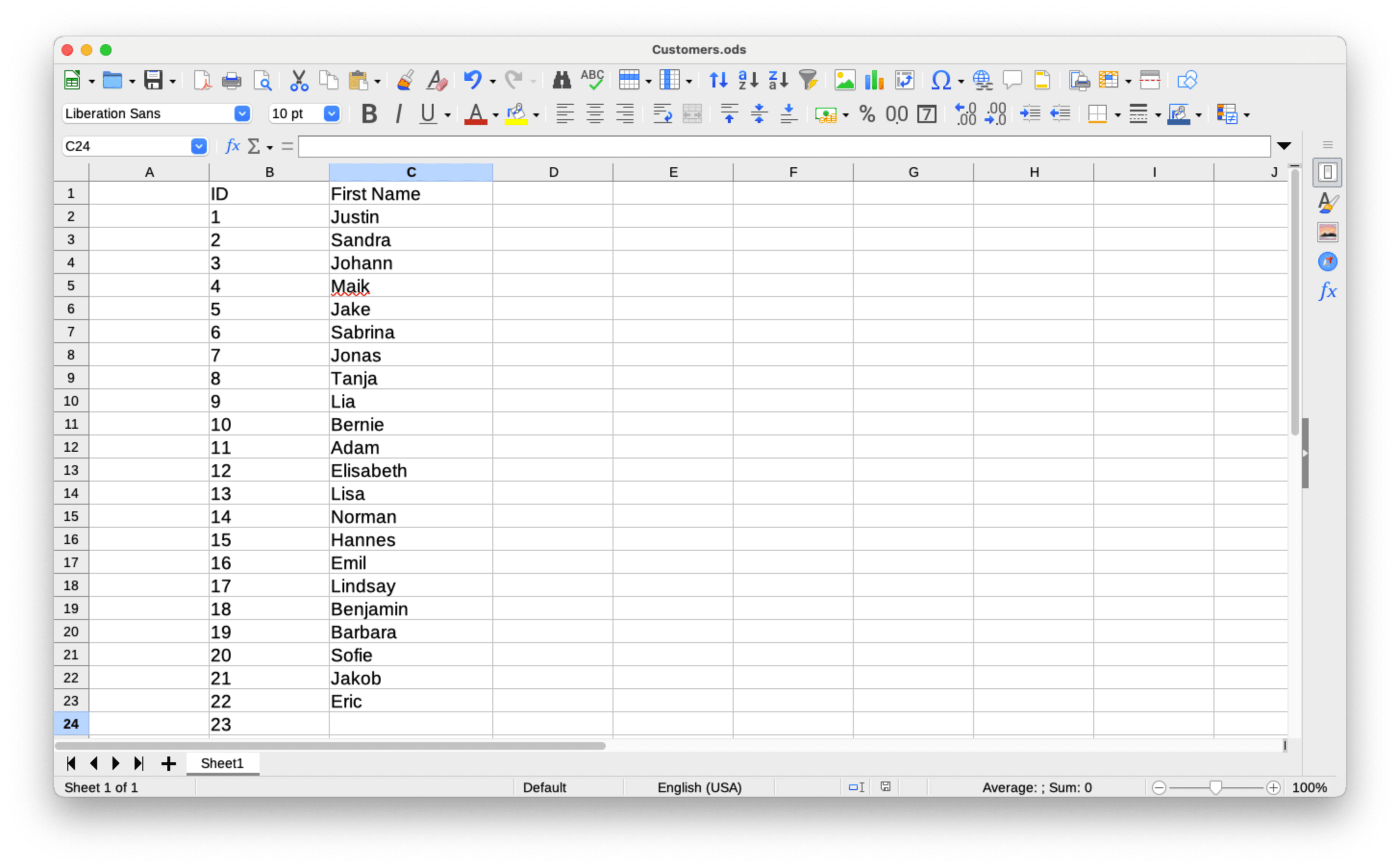
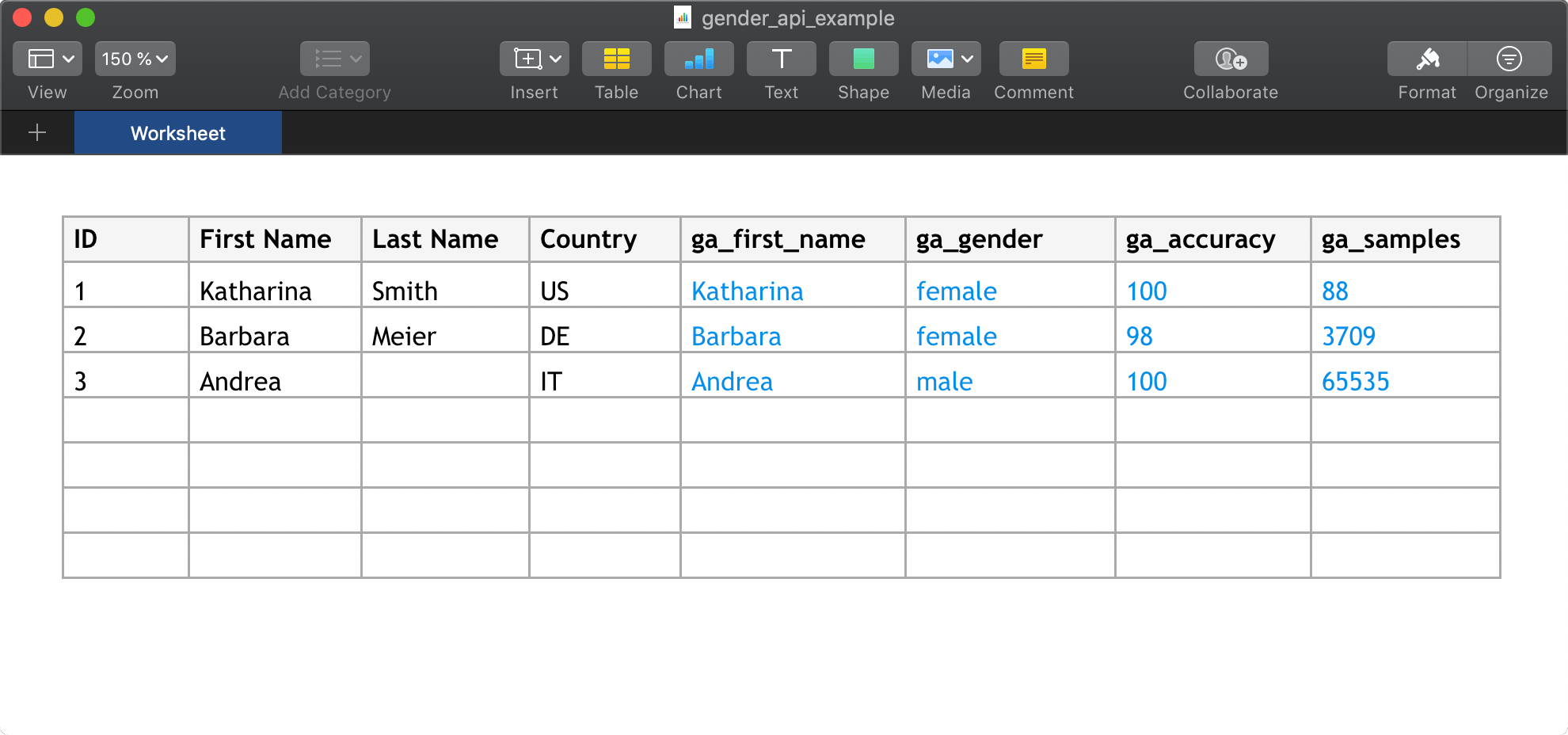
Gender-API działa bezproblemowo z narzędziami, których już używasz. Odkryj nasz rozwijający się ekosystem integracji.
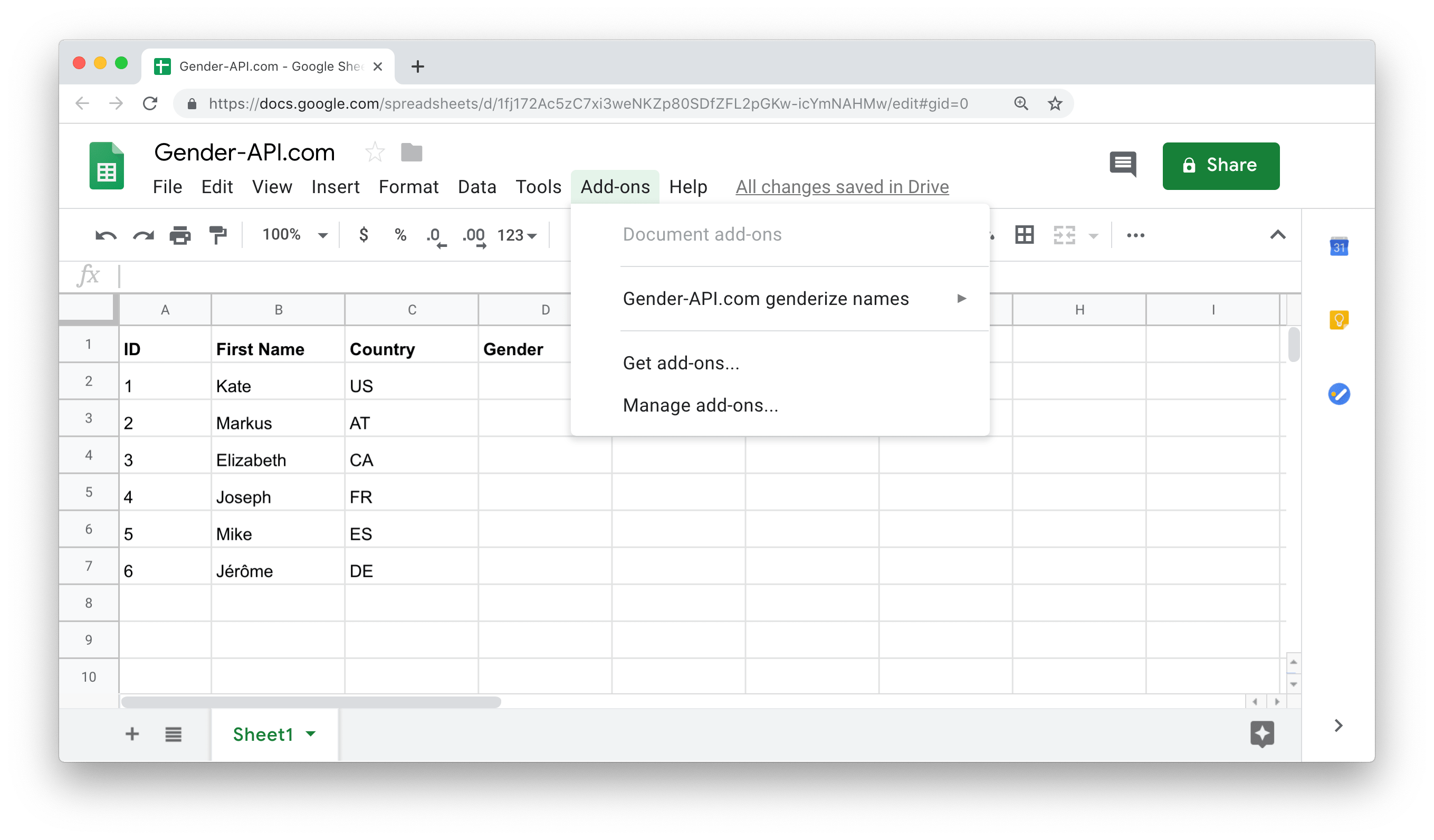
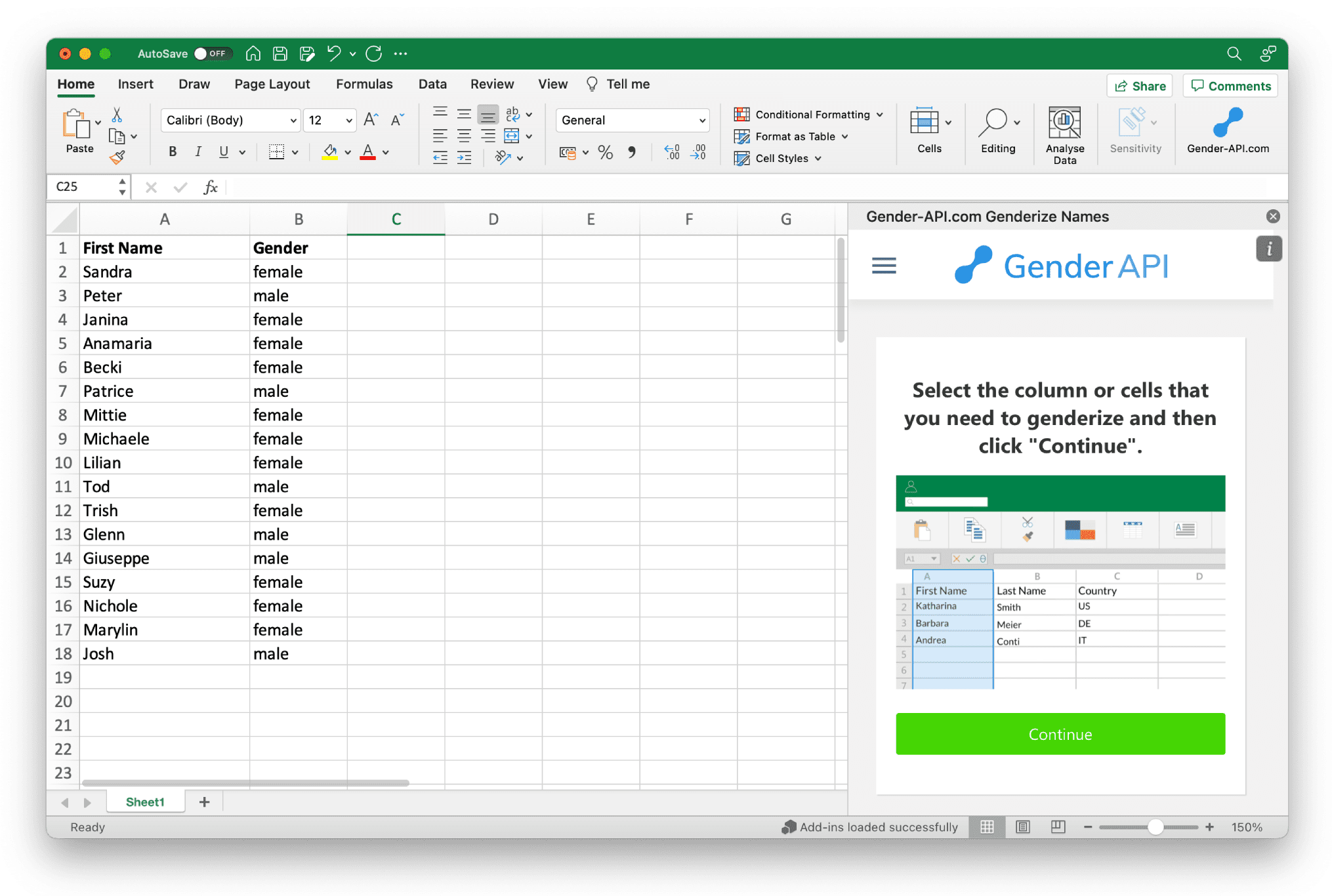
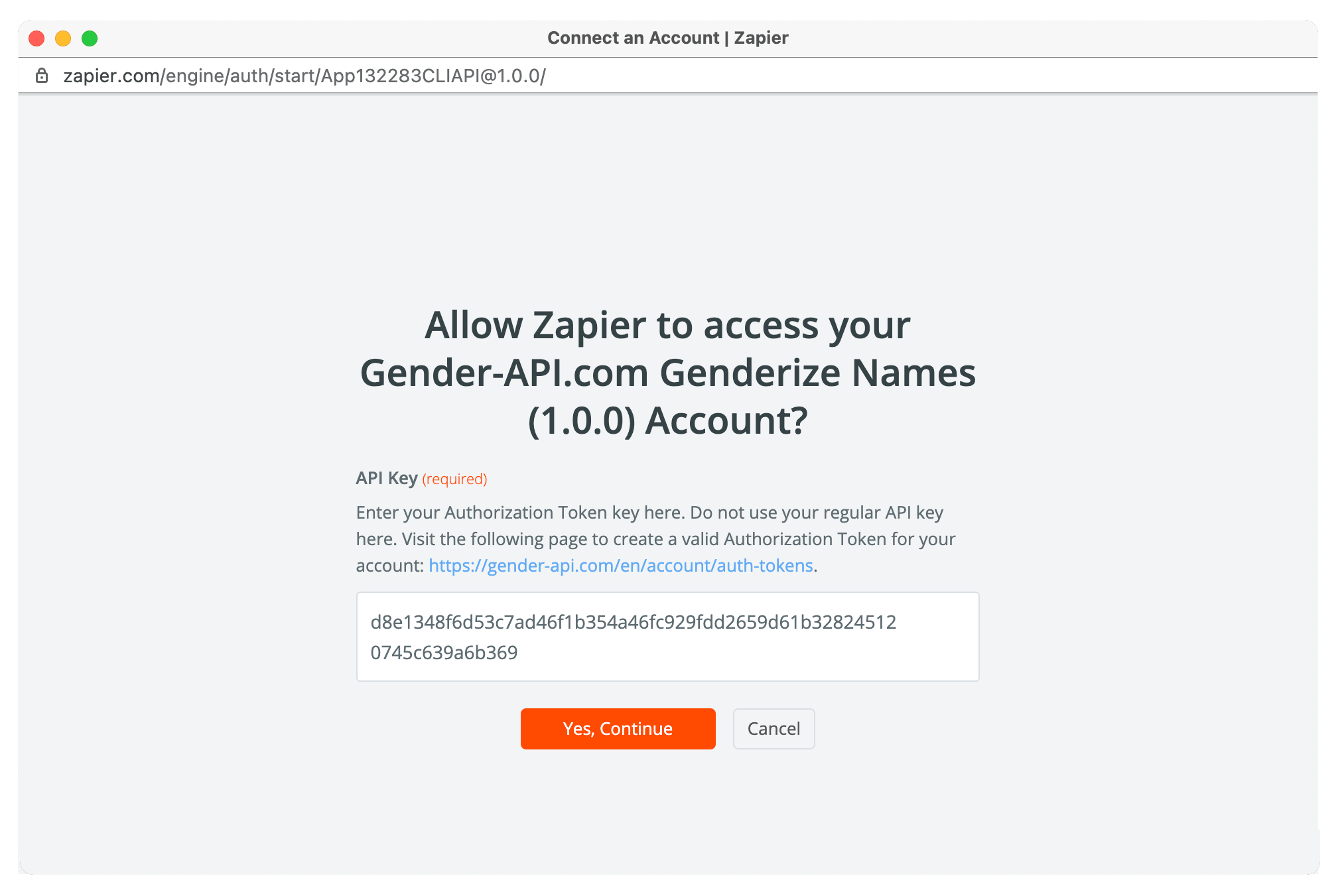



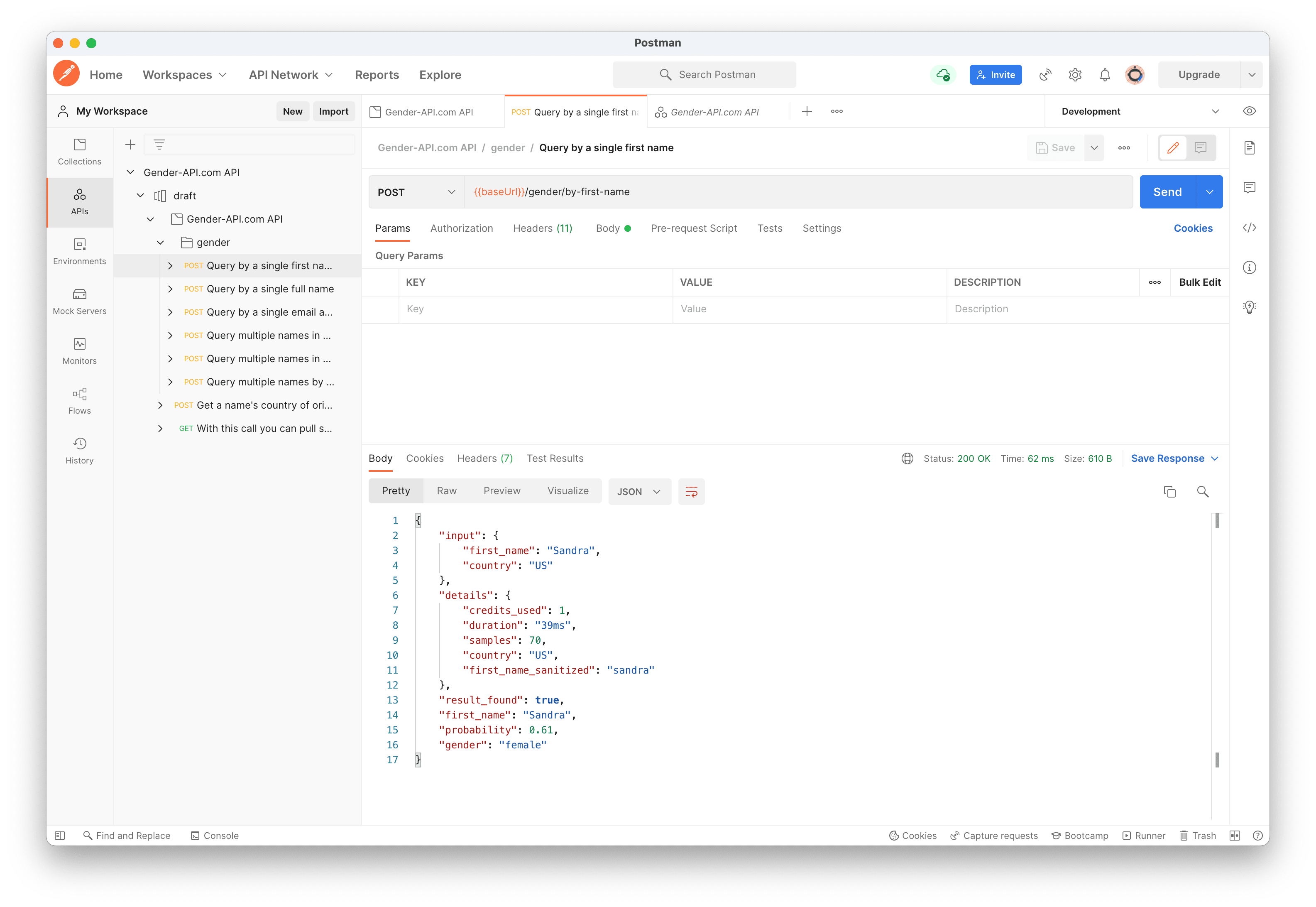


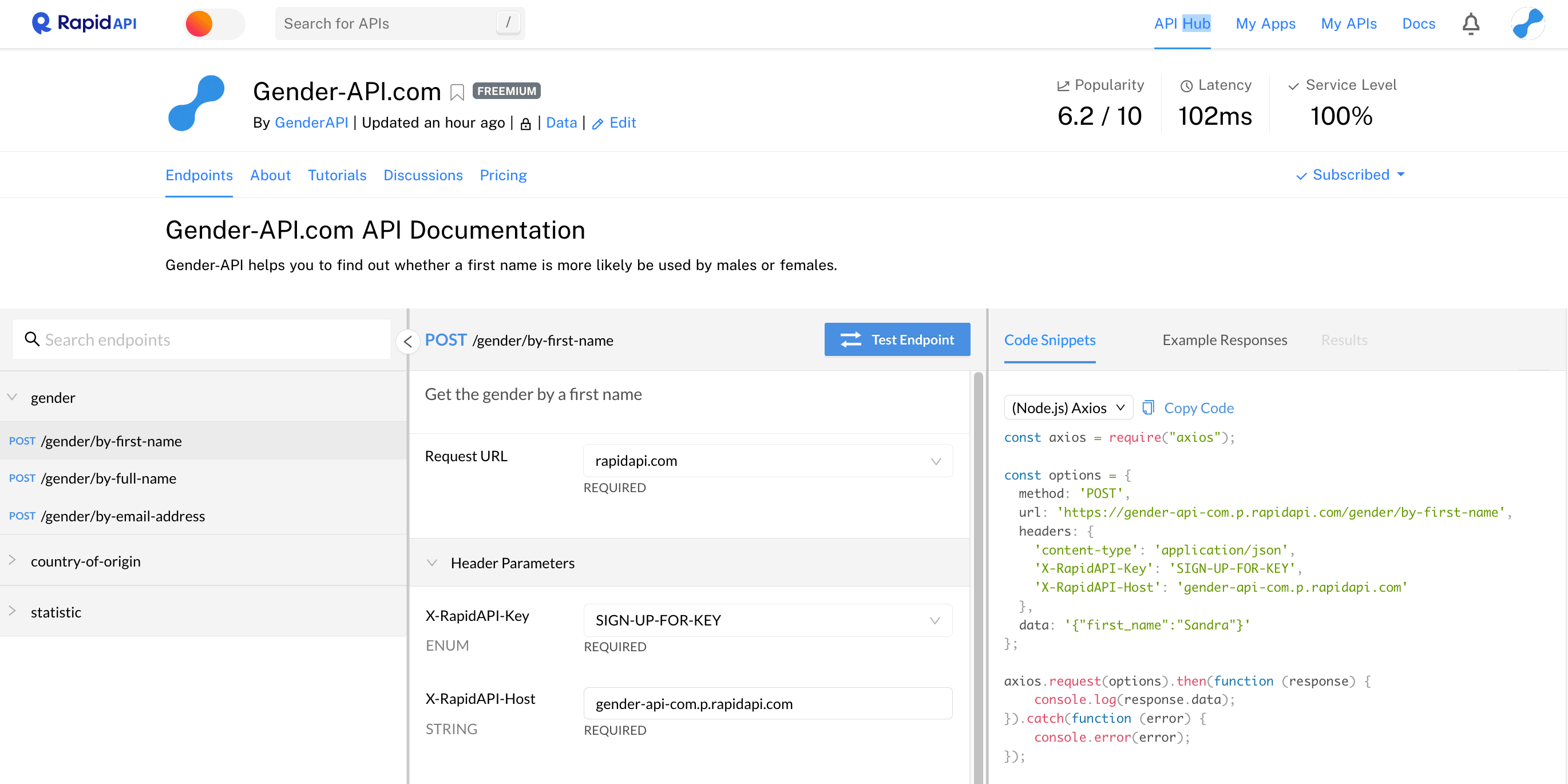
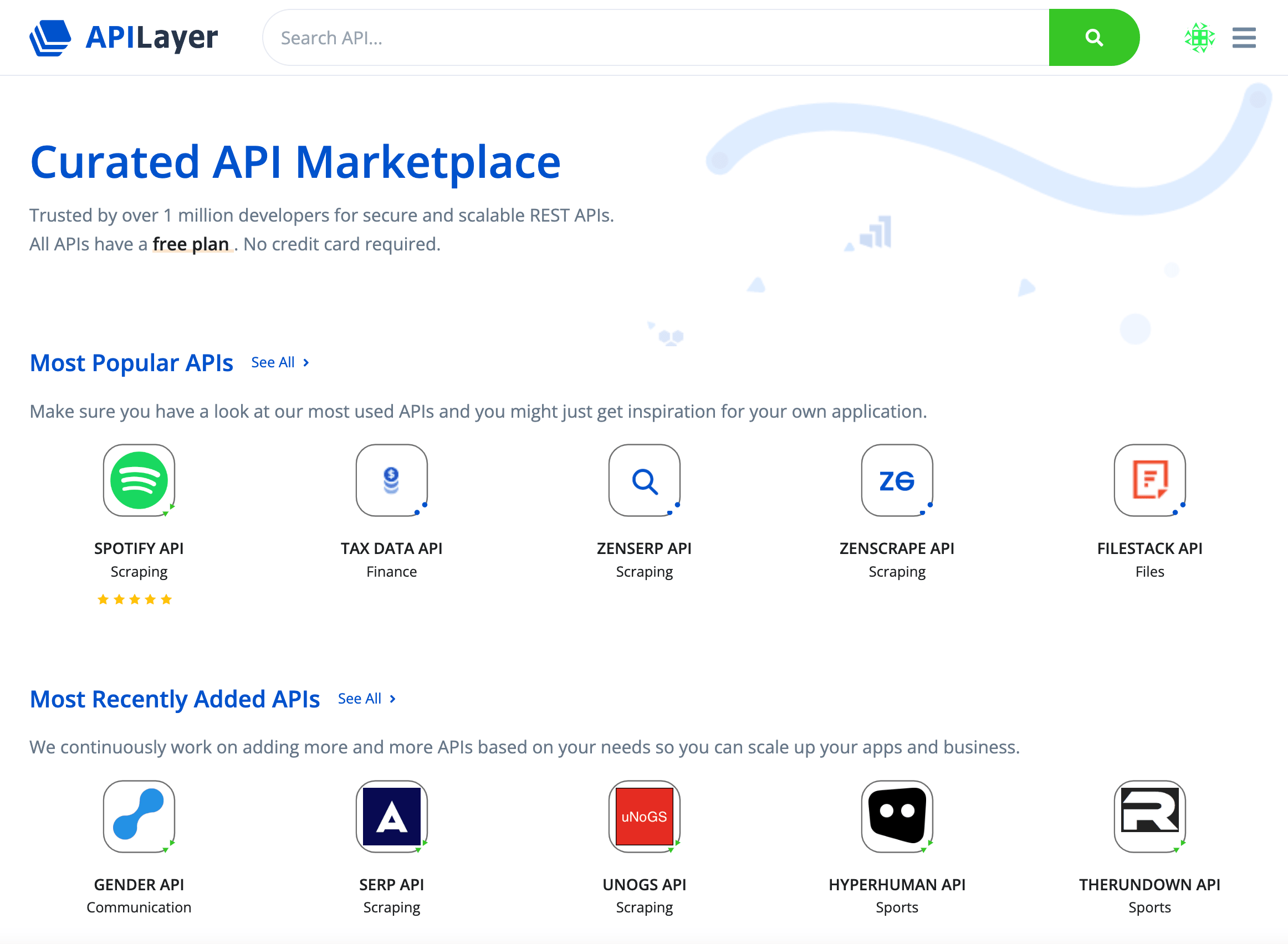
I wiele więcej dostępnych integracji!
Zobacz wszystkie integracjePrześlij pliki CSV z maksymalnie 10 000 000 zestawów danych lub pliki Excel z maksymalnie 100 000 zestawów danych na plik.

Dołącz do nas już dziś i otrzymaj do 100 darmowych żądań każdego miesiąca.
Dowiedz się więcej o [Gender API] i jak może pomóc Twojemu biznesowi.