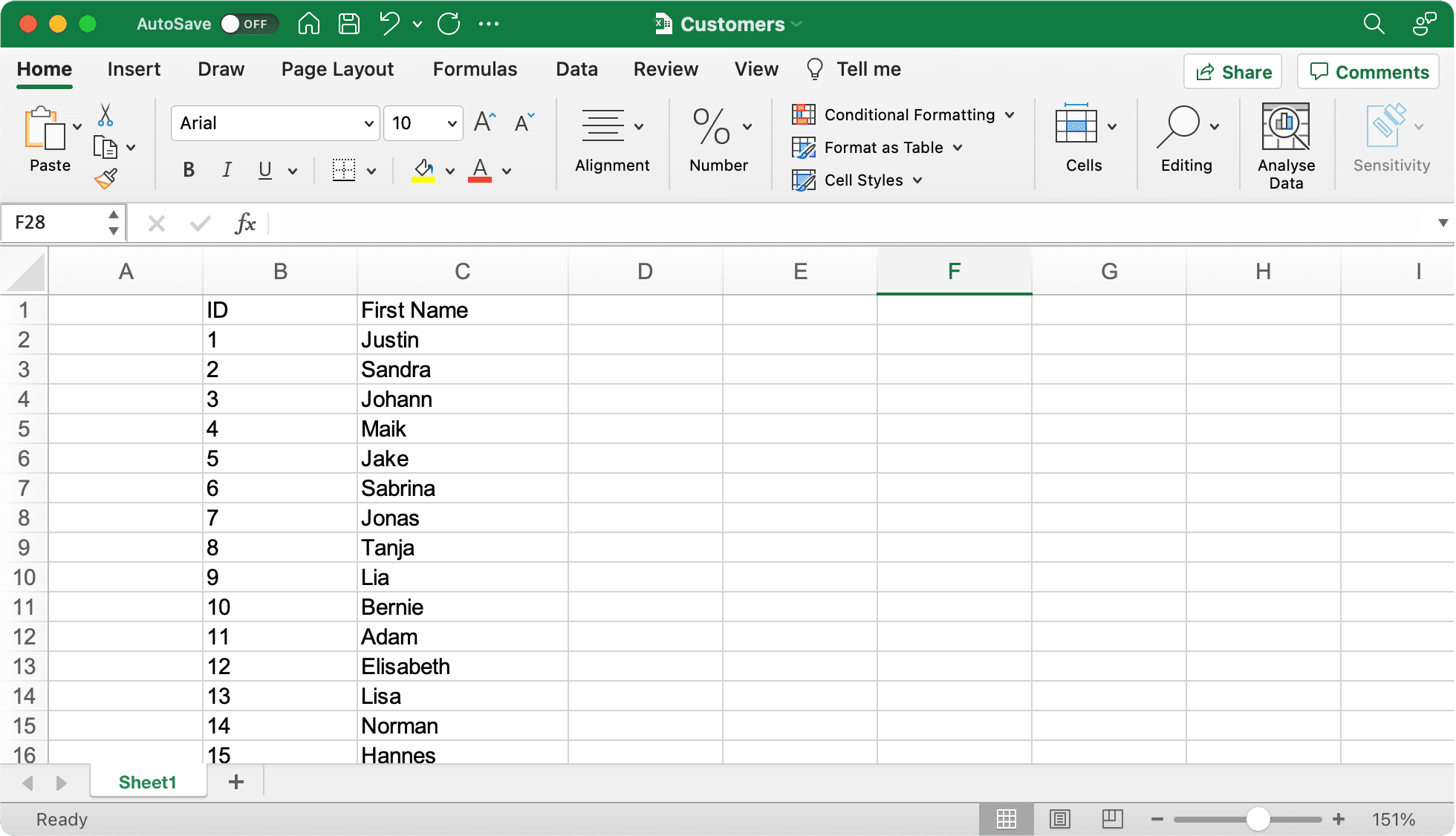
1
first_name;last_name
2
Silvia;Miller
3
Jonathan;Holmes
4
Sophia;Smith











Gender-API yapay zeka destekli bir servistir ve bir ismin erkekler tarafından mı yoksa kadınlar tarafından mı daha çok kullanıldığını bulmanıza yardımcı olur.
{
  "name": "elizabeth",
  "gender": "female",
  "samples": 355,
  "accuracy": 100,
  "duration": "34ms"
}
Kendin dene. Sonucu görmek için bir isim gir.

Neden özel cinsiyet belirleme genel yapay zeka modellerini geride bırakıyor.
Genel kullanıma açık AI ile karşılaştırıldığında daha hızlı yanıt süreleri
Veritabanımızda daha fazla isim
Cinsiyet belirlemede daha iyi doğruluk
Yükleme talimatlarını ve kod örneklerini görmek için programlama dilini seç
Official client library
Without Composer
Type-safe client
Node.js & Browser
Data science ready
Statistical computing
Enterprise ready
.NET integration
High performance
Elegant syntax
Windows Automation
Memory safe
Resmi PHP istemci kütüphanemiz, Composer paket yöneticisini kullanarak Gender API’yi PHP uygulamalarına entegre etmenin pratik bir yolunu sunar.
composer require gender-api/client<?php
use GenderApi\Client as GenderApiClient;
$client = new GenderApiClient('your-api-key');
// Simple gender lookup
$result = $client->getByFirstName('Elisabeth');
if ($result->genderFound()) {
echo $result->getGender(); // "female"
echo $result->getAccuracy(); // 99
}
// First name with country (e.g., "Andrea" varies by country)
$result = $client->getByFirstNameAndCountry('Andrea', 'IT');
echo $result->getGender(); // "male" (in Italy)
// Full name with automatic first/last name splitting
$result = $client->getByFirstNameAndLastName('Sandra Miller');
echo $result->getFirstName(); // "Sandra"
echo $result->getLastName(); // "Miller"
echo $result->getGender(); // "female"
// Email address analysis
$result = $client->getByEmailAddress('elisabeth.smith@company.com');
echo $result->getGender(); // "female"
// Batch processing - multiple names in one call
$names = ['Michael', 'Sarah', 'Kim'];
$results = $client->getByMultipleNames($names);
foreach ($results as $result) {
printf(
"%s: %s (%d%% confidence)\n",
$result->getFirstName(),
$result->getGender(),
$result->getAccuracy()
);
}
Eski projeler veya basit entegrasyonlar için Composer bağımlılığı olmadan bağımsız PHP uygulaması.
function getGender($firstname) {
  $myKey = 'insert your server key here';
  $data = json_decode(file_get_contents(
  'https://gender-api.com/get?key=' .
  $myKey .
  '&name=' . urlencode($firstname)));
  return $data->gender;
  }

  echo getGender('markus'); //Output: male
Tam IntelliSense desteği ve sıkı tip denetimi sunan, TypeScript projeleri için tür güvenli istemci.
npm install gender-api.com-client --saveimport { Client } from 'gender-api.com-client';
const client = new Client('your-api-key');
// Simple gender lookup
const result = await client.getByFirstName('Theresa');
console.log(`${result.first_name} is ${result.gender} (Probability: ${result.probability}`);
// First name with country (e.g., "Andrea" varies by country)
const resultWithCountry = await client.getByFirstName('Andrea', { country: 'IT' });
console.log(`${resultWithCountry.first_name} in Italy is ${resultWithCountry.gender}`);
// Full name with automatic first/last name splitting
const fullResult = await client.getByFullName('John Smith');
console.log(`${fullResult.first_name} ${fullResult.last_name} is ${fullResult.gender}`);
// Email address analysis
const emailResult = await client.getByEmailAddress('marie.curie@example.com');
console.log(`Email gender: ${emailResult.gender}`);
// Batch processing - multiple names in one call
const names = [
{ id: '1', first_name: 'Theresa', country: 'US' },
{ id: '2', first_name: 'John', country: 'US' }
];
const batchResults = await client.getByFirstNameMultiple(names);
batchResults.forEach(r => {
console.log(`ID: ${r.input.id}, Gender: ${r.gender}`);
});
// Account statistics
const stats = await client.getStatistics();
console.log(`Credits Remaining: ${stats.remaining_credits}`);
Node.js ve tarayıcı ortamları için Promise tabanlı API’ye sahip, kullanımı kolay JavaScript istemcisi.
npm install gender-api.com-client --saveconst { Client } = require('gender-api.com-client');
const client = new Client('your-api-key');
// Simple gender lookup
client.getByFirstName('Theresa').then(result => {
console.log(`${result.first_name} is ${result.gender} (Probability: ${result.probability}`);
}).catch(error => {
console.error('Error:', error);
});
// First name with country (e.g., "Andrea" varies by country)
client.getByFirstName('Andrea', { country: 'IT' }).then(result => {
console.log(`${result.first_name} in Italy is ${result.gender}`);
}).catch(error => {
console.error('Error:', error);
});
// Full name with automatic first/last name splitting
client.getByFullName('John Smith').then(result => {
console.log(`${result.first_name} ${result.last_name} is ${result.gender}`);
}).catch(error => {
console.error('Error:', error);
});
// Email address analysis
client.getByEmailAddress('marie.curie@example.com').then(result => {
console.log(`Email gender: ${result.gender}`);
}).catch(error => {
console.error('Error:', error);
});
// Batch processing - multiple names in one call
const names = [
{ id: '1', first_name: 'Theresa', country: 'US' },
{ id: '2', first_name: 'John', country: 'US' }
];
client.getByFirstNameMultiple(names).then(results => {
results.forEach(r => {
console.log(`ID: ${r.input.id}, Gender: ${r.gender}`);
});
}).catch(error => {
console.error('Error:', error);
});
// Account statistics
client.getStatistics().then(stats => {
console.log(`Credits Remaining: ${stats.remaining_credits}`);
}).catch(error => {
console.error('Error:', error);
});
Temiz, okunabilir kodlu, veri bilimi, makine öğrenimi ve web uygulamaları için ideal Python API istemcisi.
# Install: pip install gender-api-client
from gender_api import Client

client = Client(api_key="insert your server key here")

# Simple gender lookup
result = client.get_by_first_name("kevin")

if result.result_found:
    print(f"Gender: {result.gender}")  #Gender: male
    print(f"Accuracy: {result.accuracy}%")  #Accuracy: 99%
Python 3.*
import json
from urllib.request import urlopen
myKey = "insert your server key here"
url = "https://gender-api.com/get?key=" + myKey + "&name=kevin"
response = urlopen(url)
decoded = response.read().decode('utf-8')
data = json.loads(decoded)
print( "Gender: " + data["gender"]); #Gender: male
https://github.com/markus-perl/gender-api-client-python
https://pypi.org/project/gender-api-client/
R ile istatistiksel analiz ve veri bilimi süreçleri için sorunsuz entegrasyona sahip mükemmel çözüm.
install.packages(c("httr2", "dplyr", "tibble", "jsonlite"))#' Gender API Client (single name only)
#'
#' Gets gender by a first name, optionally filtered by country.
#'
#' @param name A character string containing a single first name.
#' @param country Optional two-letter country code, see: https://gender-api.com/en/api-docs
#' @param api_key Your Gender-API.com API key.
#'
#' @return A tibble containing the estimated gender, number of samples,
#' accuracy (0–100), and the request duration in ms.
#' @export
#'
#' @examples
#' \dontrun{
#' gender("Andrea", country="US", api_key="YOUR_KEY")
#' gender("Andrea", country="IT")
#' }
#'
library(httr2)
library(dplyr)
gender <- function(name, country = NULL, api_key = Sys.getenv("GENDER_API_KEY")) {
if (missing(name) || length(name) != 1) {
stop("`name` must be a single string.")
}
if (is.null(api_key) || api_key == "") {
stop("API key is required. Set with `Sys.setenv(GENDER_API_KEY='your_key')` or pass via `api_key`.")
}
args <- list(
key = api_key,
name = name
)
if (!is.null(country)) args$country <- country
resp <- request("https://gender-api.com/get") %>%
req_url_query(!!!args) %>%
req_perform()
if (resp_status(resp) >= 400) {
stop("Request failed: ", resp_status_desc(resp))
}
out <- resp_body_json(resp, simplifyVector = TRUE)
tibble::as_tibble(out)
}
gender("Andrea", country="US", api_key="<YOUR API KEY>")Kurumsal ölçekte, sağlam ve ölçeklenebilir uygulamalar için uygun, gelişmiş hata yönetimi sunan Java implementasyonu.
import java.net.URI;
import java.net.http.HttpClient;
import java.net.http.HttpRequest;
import java.net.http.HttpResponse;
import java.io.IOException;
import com.google.gson.Gson;
import com.google.gson.JsonObject;

public class Main {

    public static void main(String[] args) {
        String apiKey = "YOUR_API_KEY";
        String url = "https://gender-api.com/v2/gender/by-first-name";
        String payload = "{\"first_name\":\"Theresa\"}";

        HttpClient client = HttpClient.newHttpClient();

        HttpRequest request = HttpRequest.newBuilder()
                .uri(URI.create(url))
                .header("Content-Type", "application/json")
                .header("Authorization", "Bearer " + apiKey)
                .POST(HttpRequest.BodyPublishers.ofString(payload))
                .build();

        try {
            HttpResponse<String> response = client.send(request, HttpResponse.BodyHandlers.ofString());

            Gson gson = new Gson();
            JsonObject json = gson.fromJson(response.body(), JsonObject.class);

            System.out.println("Gender: " + json.get("gender").getAsString());
            System.out.println("Probability: " + json.get("probability").getAsFloat());

        } catch (IOException | InterruptedException e) {
            e.printStackTrace();
        }
    }
}Tam async/await desteği ve modern C# özellikleriyle C# uygulamaları için .NET entegrasyonu.
using System;
using System.Net.Http;
using System.Text;
using System.Text.Json;
using System.Text.Json.Serialization;
using System.Threading.Tasks;

public record GenderResponse(
    [property: JsonPropertyName("first_name")] string FirstName,
    [property: JsonPropertyName("gender")] string Gender,
    [property: JsonPropertyName("probability")] double Probability
);

public class Program
{
    public static async Task Main()
    {
        var apiKey = "YOUR_API_KEY"; // Get your key at https://gender-api.com/en/account/auth-tokens
        using var client = new HttpClient();

        var requestBody = new { first_name = "Theresa" };
        var jsonContent = new StringContent(
            JsonSerializer.Serialize(requestBody),
            Encoding.UTF8,
            "application/json");

        // Add Authorization header
        client.DefaultRequestHeaders.Add("Authorization", $"Bearer {apiKey}");

        try
        {
            // Send POST request to API V2
            var response = await client.PostAsync("https://gender-api.com/v2/gender/by-first-name", jsonContent);
            response.EnsureSuccessStatusCode();

            // Parse response
            var jsonResponse = await response.Content.ReadAsStringAsync();
            var result = JsonSerializer.Deserialize<GenderResponse>(jsonResponse);

            Console.WriteLine($"Gender: {result.Gender}");
            Console.WriteLine($"Probability: {result.Probability}");
        }
        catch (Exception ex)
        {
            Console.WriteLine($"Error: {ex.Message}");
        }
    }
}Standart kütüphaneleri kullanan, sorunsuz entegrasyon için yüksek performanslı Go istemcisi.
package main

import (
    "bytes"
    "encoding/json"
    "fmt"
    "io/ioutil"
    "net/http"
)

// Response defines the structure of the JSON response from Gender-API.com
type Response struct {
    ResultFound bool    `json:"result_found"`
    FirstName   string  `json:"first_name"`
    Gender      string  `json:"gender"`
    Probability float64 `json:"probability"`
}

func main() {
    // Determine the gender of a first name using API V2
    // ---------------------------------------------------
    apiKey := "YOUR_API_KEY" // Get your key at https://gender-api.com/en/account/auth-tokens
    firstName := "Theresa"

    // Construct the JSON payload
    requestBody, _ := json.Marshal(map[string]string{
        "first_name": firstName,
    })

    // Create the request
    req, err := http.NewRequest("POST", "https://gender-api.com/v2/gender/by-first-name", bytes.NewBuffer(requestBody))
    if err != nil {
        fmt.Printf("Error creating request: %s\n", err)
        return
    }

    // Set headers
    req.Header.Set("Content-Type", "application/json")
    req.Header.Set("Authorization", "Bearer "+apiKey)

    // Perform the request
    client := &http.Client{}
    resp, err := client.Do(req)
    if err != nil {
        fmt.Printf("Error making request: %s\n", err)
        return
    }
    defer resp.Body.Close()

    // Read the response body
    body, err := ioutil.ReadAll(resp.Body)
    if err != nil {
        fmt.Printf("Error reading response: %s\n", err)
        return
    }

    // Parse the JSON response
    var result Response
    if err := json.Unmarshal(body, &result); err != nil {
        fmt.Printf("Error parsing JSON: %s\n", err)
        return
    }

    // Output the result
    fmt.Printf("Name: %s\n", result.FirstName)
    fmt.Printf("Gender: %s\n", result.Gender)
    fmt.Printf("Probability: %.2f\n", result.Probability)
}Kolay API entegrasyonu için sade ve şık bir Ruby istemcisi.
require 'net/http'
require 'json'
require 'uri'

# Determine the gender of a first name using API V2
# ---------------------------------------------------
api_key = 'YOUR_API_KEY' # Get your key at https://gender-api.com/en/account/auth-tokens
uri = URI('https://gender-api.com/v2/gender/by-first-name')

http = Net::HTTP.new(uri.host, uri.port)
http.use_ssl = true

request = Net::HTTP::Post.new(uri)
request['Content-Type'] = 'application/json'
request['Authorization'] = "Bearer #{api_key}"
request.body = JSON.dump({ first_name: 'Theresa' })

begin
  response = http.request(request)

  # Parse the JSON response
  result = JSON.parse(response.read_body)

  puts "Gender: #{result['gender']}"
  puts "Probability: #{result['probability']}"
rescue StandardError => e
  puts "Error: #{e.message}"
end
Doğrudan PowerShell entegrasyonumuzla Windows iş akışlarını otomatikleştir.
# Determine the gender of a first name using API V2
# ---------------------------------------------------

$apiKey = "YOUR_API_KEY" # Get your key at https://gender-api.com/en/account/auth-tokens
$url = "https://gender-api.com/v2/gender/by-first-name"

$body = @{
    first_name = "Theresa"
} | ConvertTo-Json

$headers = @{
    "Content-Type" = "application/json"
    "Authorization" = "Bearer $apiKey"
}

try {
    $response = Invoke-RestMethod -Uri $url -Method Post -Headers $headers -Body $body

    Write-Host "Name: $($response.first_name)"
    Write-Host "Gender: $($response.gender)"
    Write-Host "Probability: $($response.probability)"
}
catch {
    Write-Host "Error: $_"
}
Yüksek performanslı uygulamalar için ışık hızında, bellek dostu bir istemci.
use reqwest::header::AUTHORIZATION;
use serde::{Deserialize, Serialize};
use std::error::Error;

// Add to Cargo.toml:
// [dependencies]
// reqwest = { version = "0.11", features = ["json"] }
// tokio = { version = "1", features = ["full"] }
// serde = { version = "1.0", features = ["derive"] }

#[derive(Serialize)]
struct Request<'a> {
    first_name: &'a str,
}

#[derive(Deserialize, Debug)]
struct Response {
    gender: String,
    probability: f64,
}

#[tokio::main]
async fn main() -> Result<(), Box<dyn Error>> {
    let api_key = "YOUR_API_KEY"; // Get your key at https://gender-api.com/en/account/auth-tokens
    let client = reqwest::Client::new();

    let resp: Response = client
        .post("https://gender-api.com/v2/gender/by-first-name")
        .header(AUTHORIZATION, format!("Bearer {api_key}"))
        .json(&Request { first_name: "Theresa" })
        .send()
        await?
        .json()
        await?;

    println!("Gender: {}", resp.gender);
    println!("Probability: {}", resp.probability);

    Ok(())
}
Gender-API zaten kullandığın araçlarla sorunsuz çalışır. Entegrasyonlarımızın büyüyen ekosistemini keşfet.
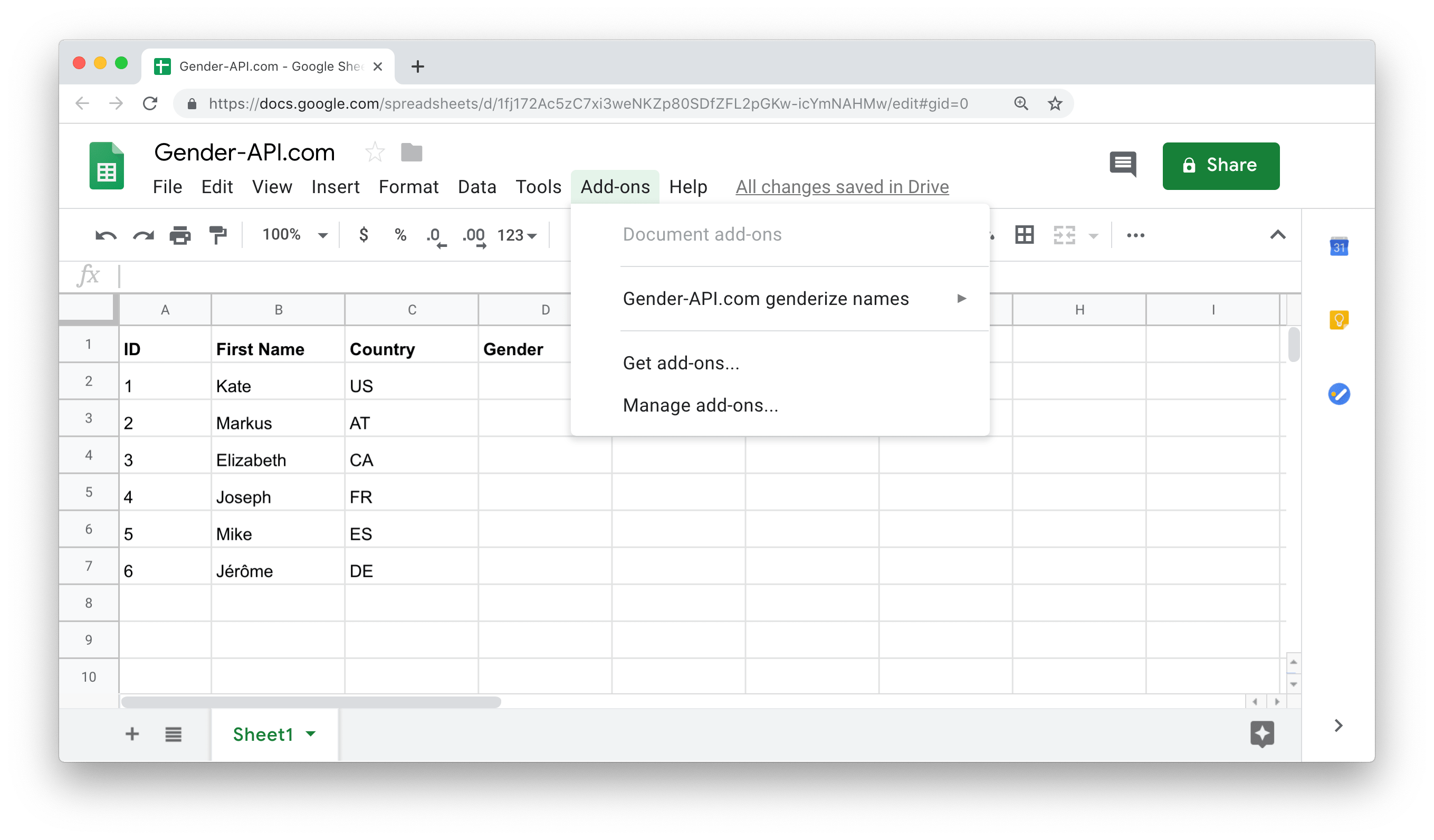
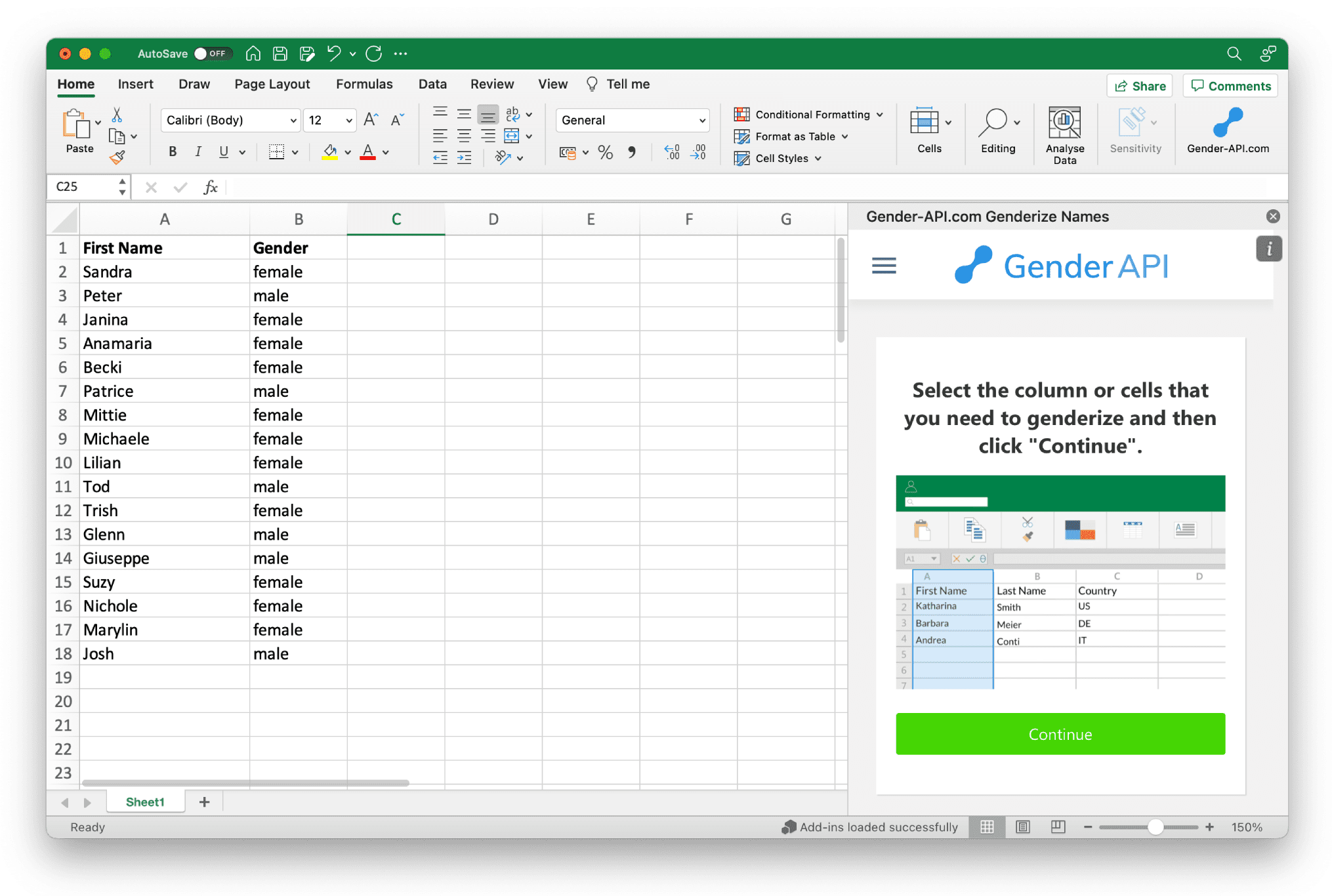
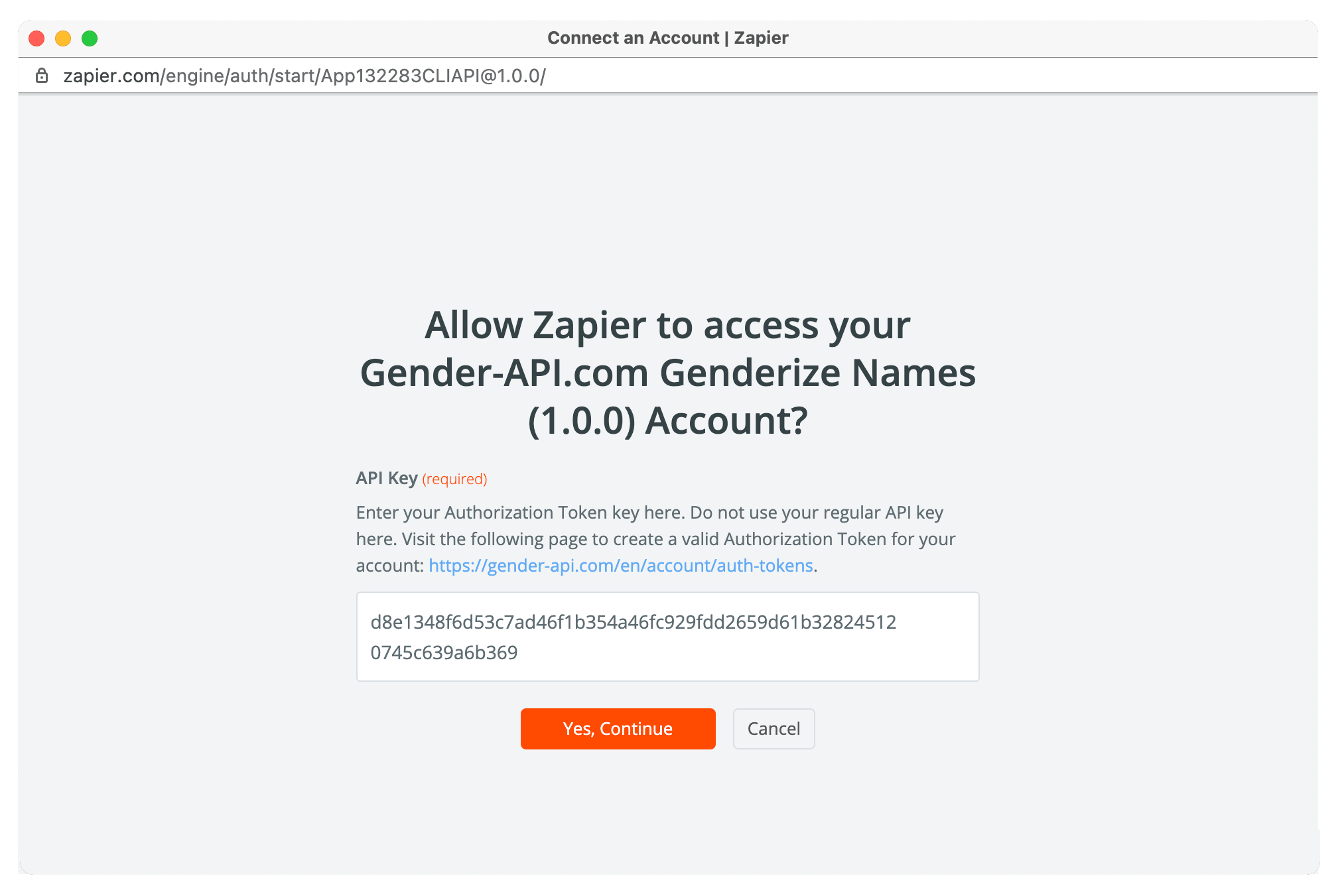



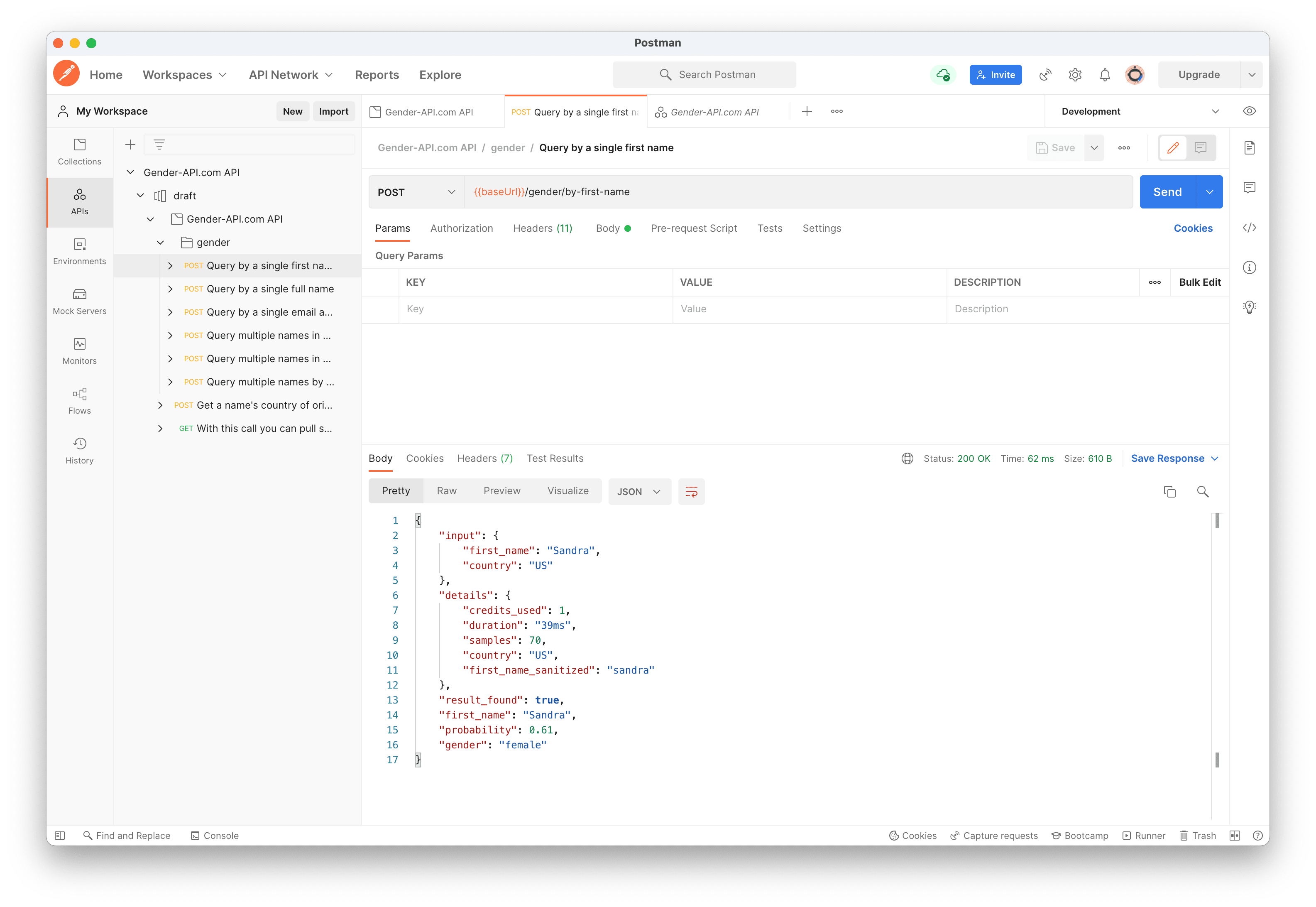


Ve daha birçok entegrasyon mevcut!
Tüm Entegrasyonları GörüntüleCSV dosyaları 10.000.000 veri ile veya Excel dosyaları 100.000 veri ile yükleyebilirsiniz.

Bugün bize katılın ve ayda 100 isteğe kadar ücretsiz alın.
[Gender API] hakkında daha fazla bilgi edinin ve işinize nasıl yardımcı olabileceğini öğrenin.