1
first_name;last_name
2
Silvia;Miller
3
Jonathan;Holmes
4
Sophia;Smith











Gender-API est alimenté par l'IA et vous aide à déterminer si un prénom est plus susceptible d'être utilisé par des hommes ou des femmes.
{
  "name": "elizabeth",
  "gender": "female",
  "samples": 355,
  "accuracy": 100,
  "duration": "34ms"
}
Essaie-le toi-même. Entrez un nom pour voir le résultat.

Pourquoi la détermination spécialisée du genre surpasse les modèles d'IA génériques.
Temps de réponse plus rapides par rapport à [generic AI]
Davantage de noms dans notre base de données
Meilleure précision dans la détermination du genre
Sélectionne ton langage de programmation pour voir les instructions d’installation et des exemples de code
Official client library
Without Composer
Type-safe client
Node.js & Browser
Data science ready
Statistical computing
Enterprise ready
.NET integration
High performance
Elegant syntax
Windows Automation
Memory safe
Notre bibliothèque cliente PHP officielle offre un moyen pratique d’intégrer Gender API dans tes applications PHP à l’aide du gestionnaire de packages Composer.
composer require gender-api/client<?php
use GenderApi\Client as GenderApiClient;
$client = new GenderApiClient('your-api-key');
// Simple gender lookup
$result = $client->getByFirstName('Elisabeth');
if ($result->genderFound()) {
echo $result->getGender(); // "female"
echo $result->getAccuracy(); // 99
}
// First name with country (e.g., "Andrea" varies by country)
$result = $client->getByFirstNameAndCountry('Andrea', 'IT');
echo $result->getGender(); // "male" (in Italy)
// Full name with automatic first/last name splitting
$result = $client->getByFirstNameAndLastName('Sandra Miller');
echo $result->getFirstName(); // "Sandra"
echo $result->getLastName(); // "Miller"
echo $result->getGender(); // "female"
// Email address analysis
$result = $client->getByEmailAddress('elisabeth.smith@company.com');
echo $result->getGender(); // "female"
// Batch processing - multiple names in one call
$names = ['Michael', 'Sarah', 'Kim'];
$results = $client->getByMultipleNames($names);
foreach ($results as $result) {
printf(
"%s: %s (%d%% confidence)\n",
$result->getFirstName(),
$result->getGender(),
$result->getAccuracy()
);
}
Implémentation PHP autonome sans dépendance à Composer, idéale pour les projets hérités ou les intégrations simples.
function getGender($firstname) {
  $myKey = 'insert your server key here';
  $data = json_decode(file_get_contents(
  'https://gender-api.com/get?key=' .
  $myKey .
  '&name=' . urlencode($firstname)));
  return $data->gender;
  }

  echo getGender('markus'); //Output: male
Client fortement typé pour les projets TypeScript avec prise en charge complète d’IntelliSense et vérification de types stricte.
npm install gender-api.com-client --saveimport { Client } from 'gender-api.com-client';
const client = new Client('your-api-key');
// Simple gender lookup
const result = await client.getByFirstName('Theresa');
console.log(`${result.first_name} is ${result.gender} (Probability: ${result.probability}`);
// First name with country (e.g., "Andrea" varies by country)
const resultWithCountry = await client.getByFirstName('Andrea', { country: 'IT' });
console.log(`${resultWithCountry.first_name} in Italy is ${resultWithCountry.gender}`);
// Full name with automatic first/last name splitting
const fullResult = await client.getByFullName('John Smith');
console.log(`${fullResult.first_name} ${fullResult.last_name} is ${fullResult.gender}`);
// Email address analysis
const emailResult = await client.getByEmailAddress('marie.curie@example.com');
console.log(`Email gender: ${emailResult.gender}`);
// Batch processing - multiple names in one call
const names = [
{ id: '1', first_name: 'Theresa', country: 'US' },
{ id: '2', first_name: 'John', country: 'US' }
];
const batchResults = await client.getByFirstNameMultiple(names);
batchResults.forEach(r => {
console.log(`ID: ${r.input.id}, Gender: ${r.gender}`);
});
// Account statistics
const stats = await client.getStatistics();
console.log(`Credits Remaining: ${stats.remaining_credits}`);
Client JavaScript facile à utiliser pour les environnements Node.js et navigateurs, avec une API basée sur les Promises.
npm install gender-api.com-client --saveconst { Client } = require('gender-api.com-client');
const client = new Client('your-api-key');
// Simple gender lookup
client.getByFirstName('Theresa').then(result => {
console.log(`${result.first_name} is ${result.gender} (Probability: ${result.probability}`);
}).catch(error => {
console.error('Error:', error);
});
// First name with country (e.g., "Andrea" varies by country)
client.getByFirstName('Andrea', { country: 'IT' }).then(result => {
console.log(`${result.first_name} in Italy is ${result.gender}`);
}).catch(error => {
console.error('Error:', error);
});
// Full name with automatic first/last name splitting
client.getByFullName('John Smith').then(result => {
console.log(`${result.first_name} ${result.last_name} is ${result.gender}`);
}).catch(error => {
console.error('Error:', error);
});
// Email address analysis
client.getByEmailAddress('marie.curie@example.com').then(result => {
console.log(`Email gender: ${result.gender}`);
}).catch(error => {
console.error('Error:', error);
});
// Batch processing - multiple names in one call
const names = [
{ id: '1', first_name: 'Theresa', country: 'US' },
{ id: '2', first_name: 'John', country: 'US' }
];
client.getByFirstNameMultiple(names).then(results => {
results.forEach(r => {
console.log(`ID: ${r.input.id}, Gender: ${r.gender}`);
});
}).catch(error => {
console.error('Error:', error);
});
// Account statistics
client.getStatistics().then(stats => {
console.log(`Credits Remaining: ${stats.remaining_credits}`);
}).catch(error => {
console.error('Error:', error);
});
Client API “Pythonic” avec un code clair et lisible, parfait pour la data science, le machine learning et les applications web.
# Install: pip install gender-api-client
from gender_api import Client

client = Client(api_key="insert your server key here")

# Simple gender lookup
result = client.get_by_first_name("kevin")

if result.result_found:
    print(f"Gender: {result.gender}")  #Gender: male
    print(f"Accuracy: {result.accuracy}%")  #Accuracy: 99%
Python 3.*
import json
from urllib.request import urlopen
myKey = "insert your server key here"
url = "https://gender-api.com/get?key=" + myKey + "&name=kevin"
response = urlopen(url)
decoded = response.read().decode('utf-8')
data = json.loads(decoded)
print( "Gender: " + data["gender"]); #Gender: male
https://github.com/markus-perl/gender-api-client-python
https://pypi.org/project/gender-api-client/
Idéal pour l’analyse statistique et les workflows de data science en R, avec une intégration fluide.
install.packages(c("httr2", "dplyr", "tibble", "jsonlite"))#' Gender API Client (single name only)
#'
#' Gets gender by a first name, optionally filtered by country.
#'
#' @param name A character string containing a single first name.
#' @param country Optional two-letter country code, see: https://gender-api.com/en/api-docs
#' @param api_key Your Gender-API.com API key.
#'
#' @return A tibble containing the estimated gender, number of samples,
#' accuracy (0–100), and the request duration in ms.
#' @export
#'
#' @examples
#' \dontrun{
#' gender("Andrea", country="US", api_key="YOUR_KEY")
#' gender("Andrea", country="IT")
#' }
#'
library(httr2)
library(dplyr)
gender <- function(name, country = NULL, api_key = Sys.getenv("GENDER_API_KEY")) {
if (missing(name) || length(name) != 1) {
stop("`name` must be a single string.")
}
if (is.null(api_key) || api_key == "") {
stop("API key is required. Set with `Sys.setenv(GENDER_API_KEY='your_key')` or pass via `api_key`.")
}
args <- list(
key = api_key,
name = name
)
if (!is.null(country)) args$country <- country
resp <- request("https://gender-api.com/get") %>%
req_url_query(!!!args) %>%
req_perform()
if (resp_status(resp) >= 400) {
stop("Request failed: ", resp_status_desc(resp))
}
out <- resp_body_json(resp, simplifyVector = TRUE)
tibble::as_tibble(out)
}
gender("Andrea", country="US", api_key="<YOUR API KEY>")Implémentation Java prête pour l’entreprise pour des applications robustes et évolutives avec une gestion d’erreurs fiable.
import java.net.URI;
import java.net.http.HttpClient;
import java.net.http.HttpRequest;
import java.net.http.HttpResponse;
import java.io.IOException;
import com.google.gson.Gson;
import com.google.gson.JsonObject;

public class Main {

    public static void main(String[] args) {
        String apiKey = "YOUR_API_KEY";
        String url = "https://gender-api.com/v2/gender/by-first-name";
        String payload = "{\"first_name\":\"Theresa\"}";

        HttpClient client = HttpClient.newHttpClient();

        HttpRequest request = HttpRequest.newBuilder()
                .uri(URI.create(url))
                .header("Content-Type", "application/json")
                .header("Authorization", "Bearer " + apiKey)
                .POST(HttpRequest.BodyPublishers.ofString(payload))
                .build();

        try {
            HttpResponse<String> response = client.send(request, HttpResponse.BodyHandlers.ofString());

            Gson gson = new Gson();
            JsonObject json = gson.fromJson(response.body(), JsonObject.class);

            System.out.println("Gender: " + json.get("gender").getAsString());
            System.out.println("Probability: " + json.get("probability").getAsFloat());

        } catch (IOException | InterruptedException e) {
            e.printStackTrace();
        }
    }
}Intégration .NET pour les applications C# avec prise en charge complète d’async/await et des fonctionnalités modernes de C#.
using System;
using System.Net.Http;
using System.Text;
using System.Text.Json;
using System.Text.Json.Serialization;
using System.Threading.Tasks;

public record GenderResponse(
    [property: JsonPropertyName("first_name")] string FirstName,
    [property: JsonPropertyName("gender")] string Gender,
    [property: JsonPropertyName("probability")] double Probability
);

public class Program
{
    public static async Task Main()
    {
        var apiKey = "YOUR_API_KEY"; // Get your key at https://gender-api.com/en/account/auth-tokens
        using var client = new HttpClient();

        var requestBody = new { first_name = "Theresa" };
        var jsonContent = new StringContent(
            JsonSerializer.Serialize(requestBody),
            Encoding.UTF8,
            "application/json");

        // Add Authorization header
        client.DefaultRequestHeaders.Add("Authorization", $"Bearer {apiKey}");

        try
        {
            // Send POST request to API V2
            var response = await client.PostAsync("https://gender-api.com/v2/gender/by-first-name", jsonContent);
            response.EnsureSuccessStatusCode();

            // Parse response
            var jsonResponse = await response.Content.ReadAsStringAsync();
            var result = JsonSerializer.Deserialize<GenderResponse>(jsonResponse);

            Console.WriteLine($"Gender: {result.Gender}");
            Console.WriteLine($"Probability: {result.Probability}");
        }
        catch (Exception ex)
        {
            Console.WriteLine($"Error: {ex.Message}");
        }
    }
}Client Go performant utilisant les bibliothèques standard pour une intégration transparente.
package main

import (
    "bytes"
    "encoding/json"
    "fmt"
    "io/ioutil"
    "net/http"
)

// Response defines the structure of the JSON response from Gender-API.com
type Response struct {
    ResultFound bool    `json:"result_found"`
    FirstName   string  `json:"first_name"`
    Gender      string  `json:"gender"`
    Probability float64 `json:"probability"`
}

func main() {
    // Determine the gender of a first name using API V2
    // ---------------------------------------------------
    apiKey := "YOUR_API_KEY" // Get your key at https://gender-api.com/en/account/auth-tokens
    firstName := "Theresa"

    // Construct the JSON payload
    requestBody, _ := json.Marshal(map[string]string{
        "first_name": firstName,
    })

    // Create the request
    req, err := http.NewRequest("POST", "https://gender-api.com/v2/gender/by-first-name", bytes.NewBuffer(requestBody))
    if err != nil {
        fmt.Printf("Error creating request: %s\n", err)
        return
    }

    // Set headers
    req.Header.Set("Content-Type", "application/json")
    req.Header.Set("Authorization", "Bearer "+apiKey)

    // Perform the request
    client := &http.Client{}
    resp, err := client.Do(req)
    if err != nil {
        fmt.Printf("Error making request: %s\n", err)
        return
    }
    defer resp.Body.Close()

    // Read the response body
    body, err := ioutil.ReadAll(resp.Body)
    if err != nil {
        fmt.Printf("Error reading response: %s\n", err)
        return
    }

    // Parse the JSON response
    var result Response
    if err := json.Unmarshal(body, &result); err != nil {
        fmt.Printf("Error parsing JSON: %s\n", err)
        return
    }

    // Output the result
    fmt.Printf("Name: %s\n", result.FirstName)
    fmt.Printf("Gender: %s\n", result.Gender)
    fmt.Printf("Probability: %.2f\n", result.Probability)
}Client Ruby simple et élégant pour une intégration API facile.
require 'net/http'
require 'json'
require 'uri'

# Determine the gender of a first name using API V2
# ---------------------------------------------------
api_key = 'YOUR_API_KEY' # Get your key at https://gender-api.com/en/account/auth-tokens
uri = URI('https://gender-api.com/v2/gender/by-first-name')

http = Net::HTTP.new(uri.host, uri.port)
http.use_ssl = true

request = Net::HTTP::Post.new(uri)
request['Content-Type'] = 'application/json'
request['Authorization'] = "Bearer #{api_key}"
request.body = JSON.dump({ first_name: 'Theresa' })

begin
  response = http.request(request)

  # Parse the JSON response
  result = JSON.parse(response.read_body)

  puts "Gender: #{result['gender']}"
  puts "Probability: #{result['probability']}"
rescue StandardError => e
  puts "Error: #{e.message}"
end
Automatisez vos flux de travail Windows grâce à notre intégration directe PowerShell.
# Determine the gender of a first name using API V2
# ---------------------------------------------------

$apiKey = "YOUR_API_KEY" # Get your key at https://gender-api.com/en/account/auth-tokens
$url = "https://gender-api.com/v2/gender/by-first-name"

$body = @{
    first_name = "Theresa"
} | ConvertTo-Json

$headers = @{
    "Content-Type" = "application/json"
    "Authorization" = "Bearer $apiKey"
}

try {
    $response = Invoke-RestMethod -Uri $url -Method Post -Headers $headers -Body $body

    Write-Host "Name: $($response.first_name)"
    Write-Host "Gender: $($response.gender)"
    Write-Host "Probability: $($response.probability)"
}
catch {
    Write-Host "Error: $_"
}
Client ultra-rapide et économe en mémoire pour les applications hautes performances.
use reqwest::header::AUTHORIZATION;
use serde::{Deserialize, Serialize};
use std::error::Error;

// Add to Cargo.toml:
// [dependencies]
// reqwest = { version = "0.11", features = ["json"] }
// tokio = { version = "1", features = ["full"] }
// serde = { version = "1.0", features = ["derive"] }

#[derive(Serialize)]
struct Request<'a> {
    first_name: &'a str,
}

#[derive(Deserialize, Debug)]
struct Response {
    gender: String,
    probability: f64,
}

#[tokio::main]
async fn main() -> Result<(), Box<dyn Error>> {
    let api_key = "YOUR_API_KEY"; // Get your key at https://gender-api.com/en/account/auth-tokens
    let client = reqwest::Client::new();

    let resp: Response = client
        .post("https://gender-api.com/v2/gender/by-first-name")
        .header(AUTHORIZATION, format!("Bearer {api_key}"))
        .json(&Request { first_name: "Theresa" })
        .send()
        await?
        .json()
        await?;

    println!("Gender: {}", resp.gender);
    println!("Probability: {}", resp.probability);

    Ok(())
}
Gender-API fonctionne parfaitement avec les outils que tu utilises déjà. Explore notre écosystème croissant d'intégrations.
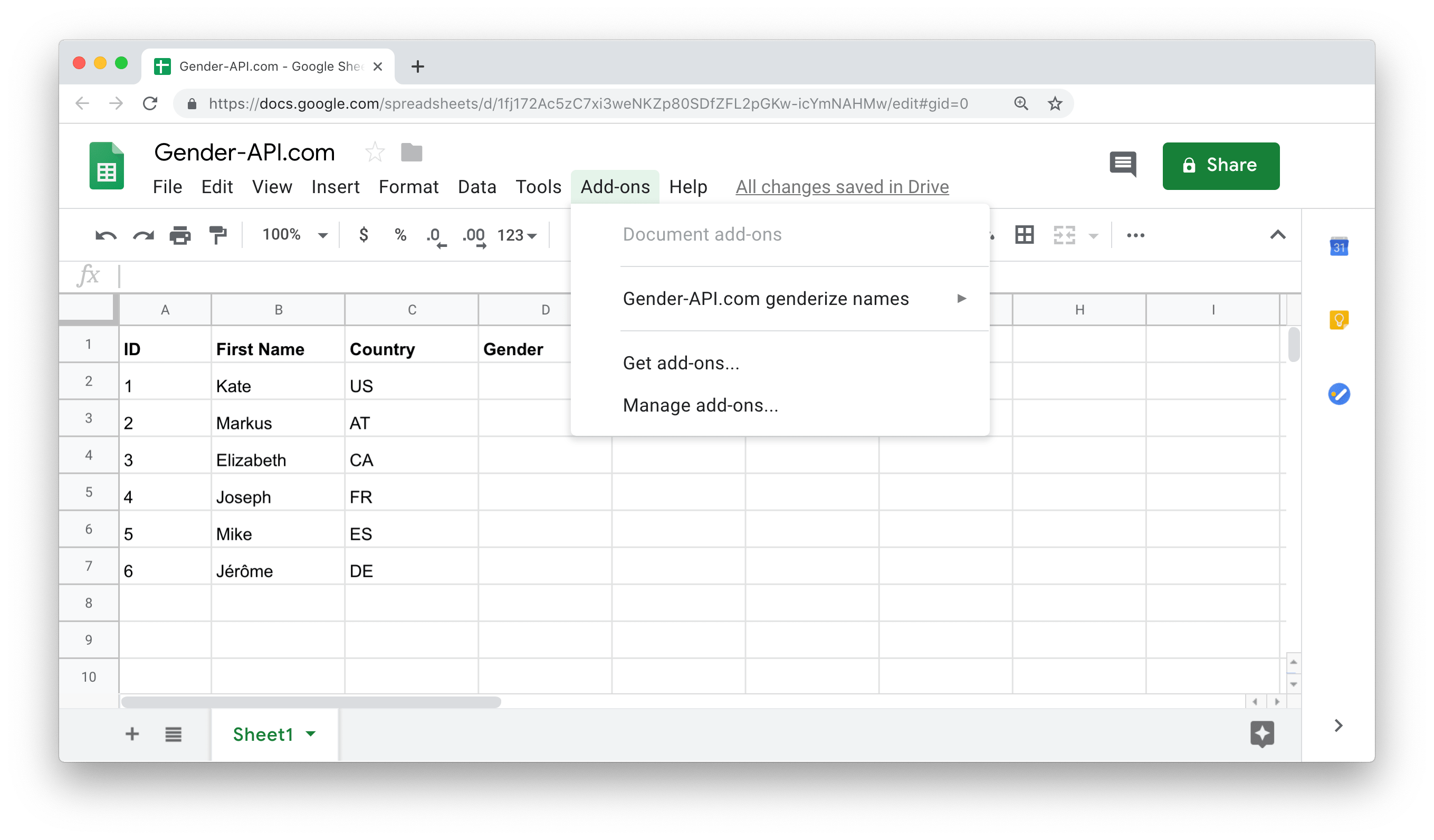
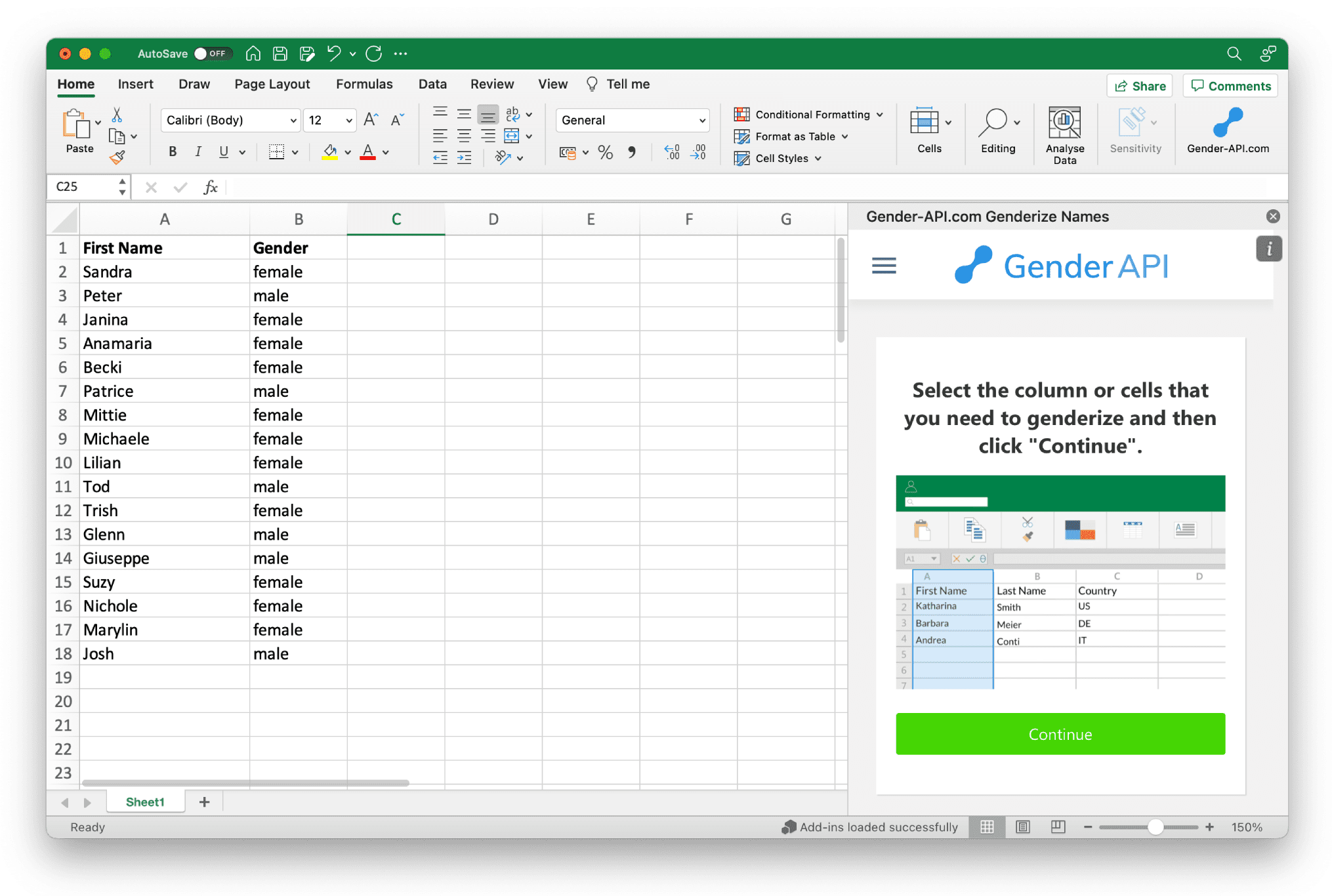
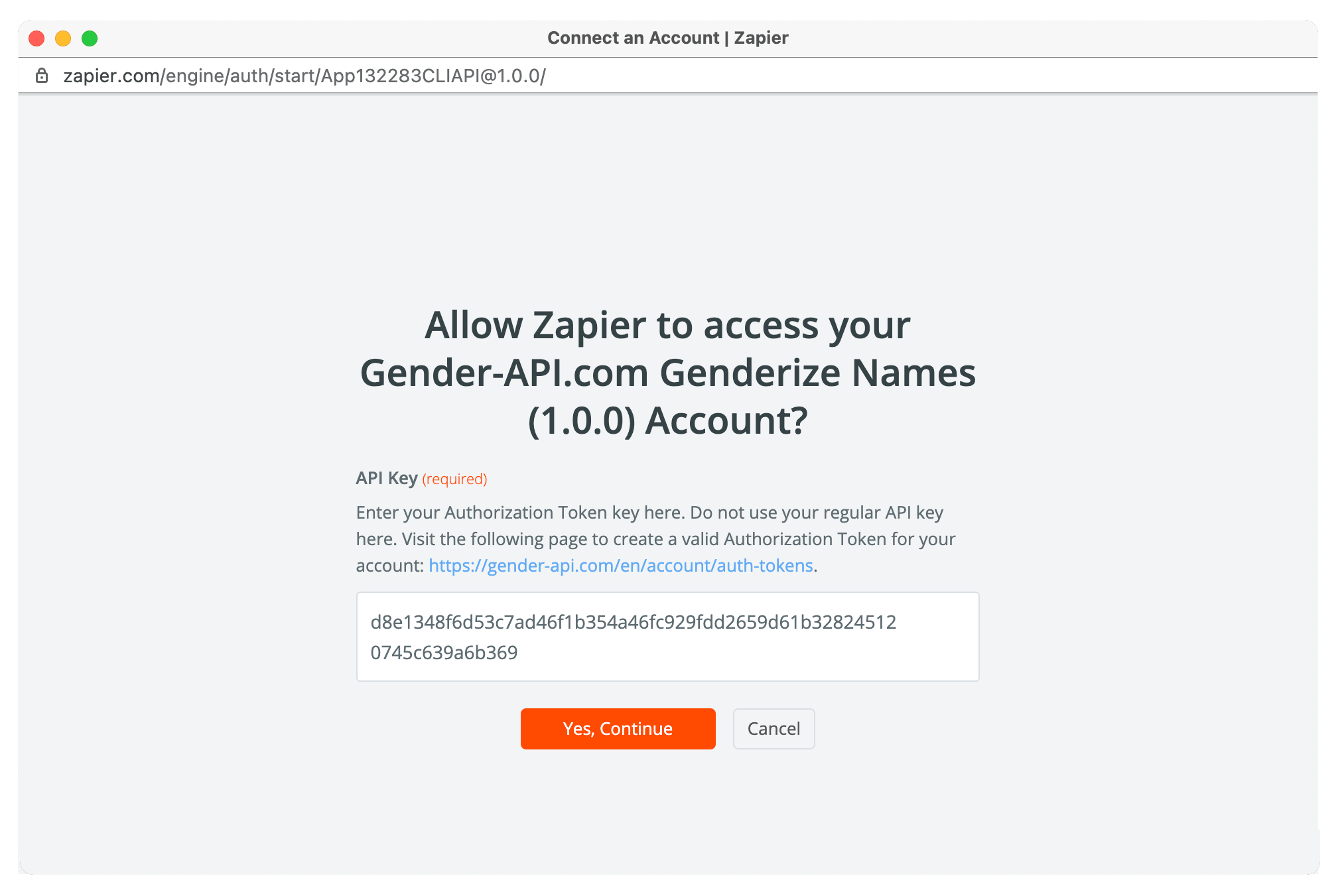


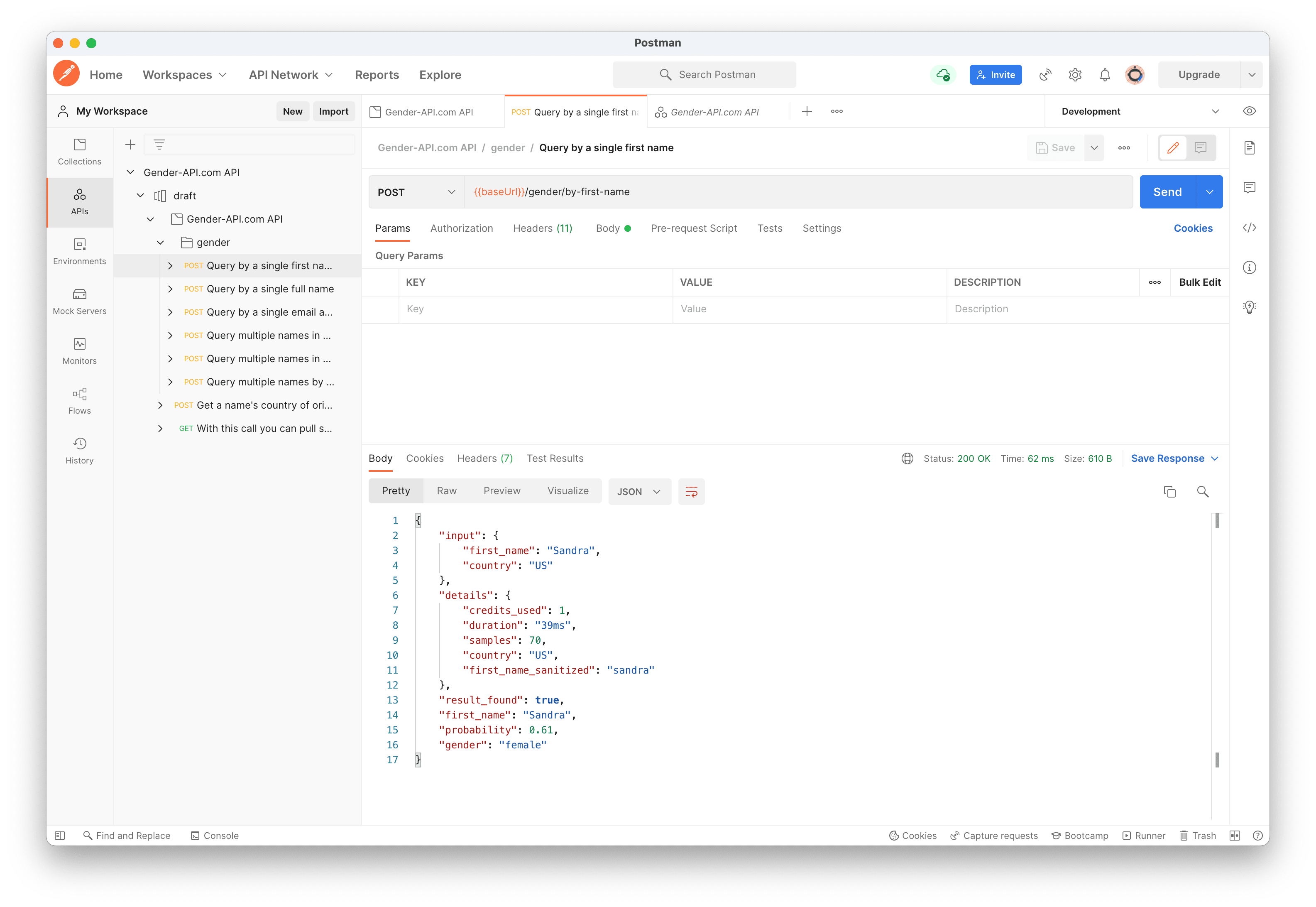

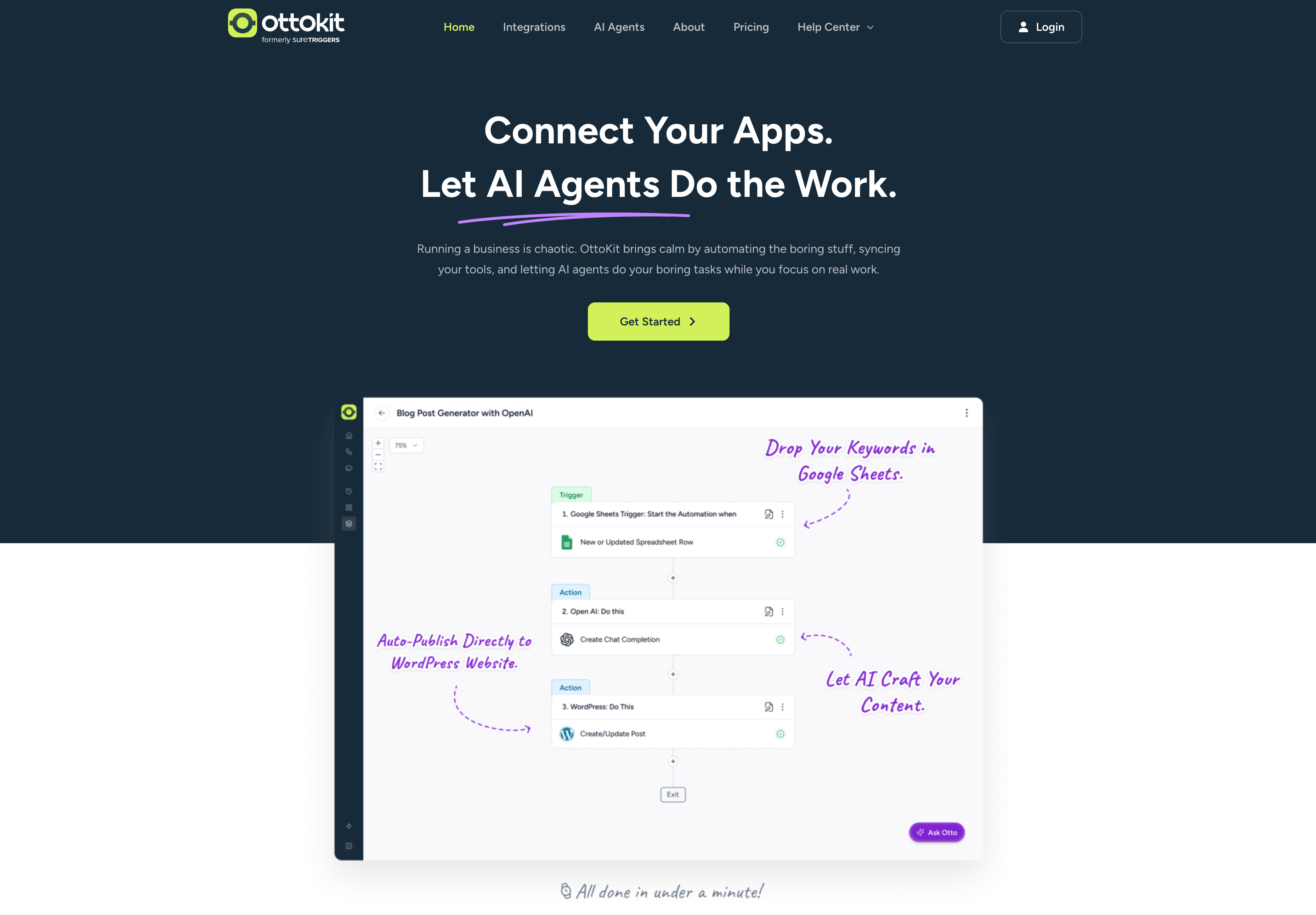

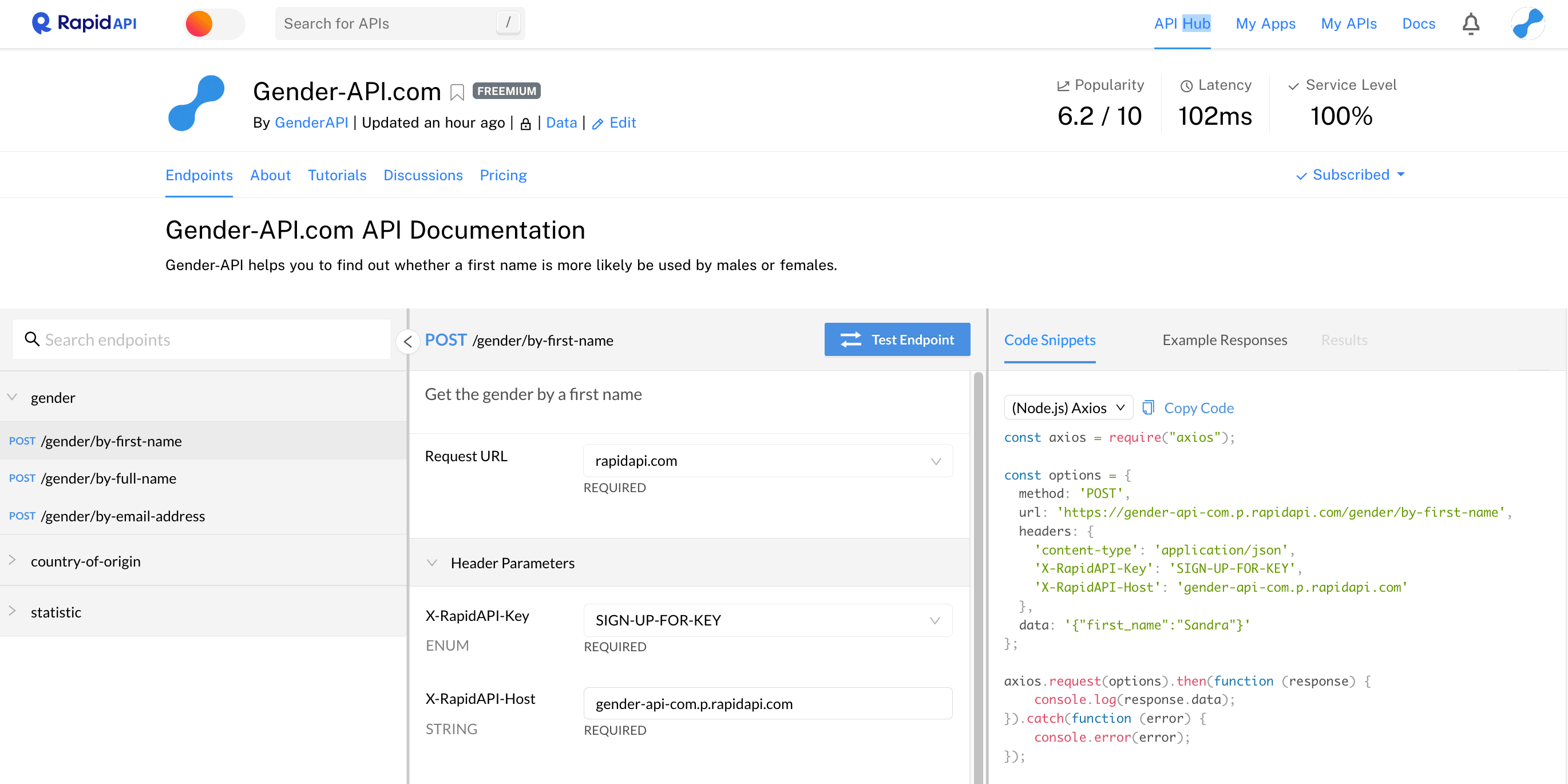
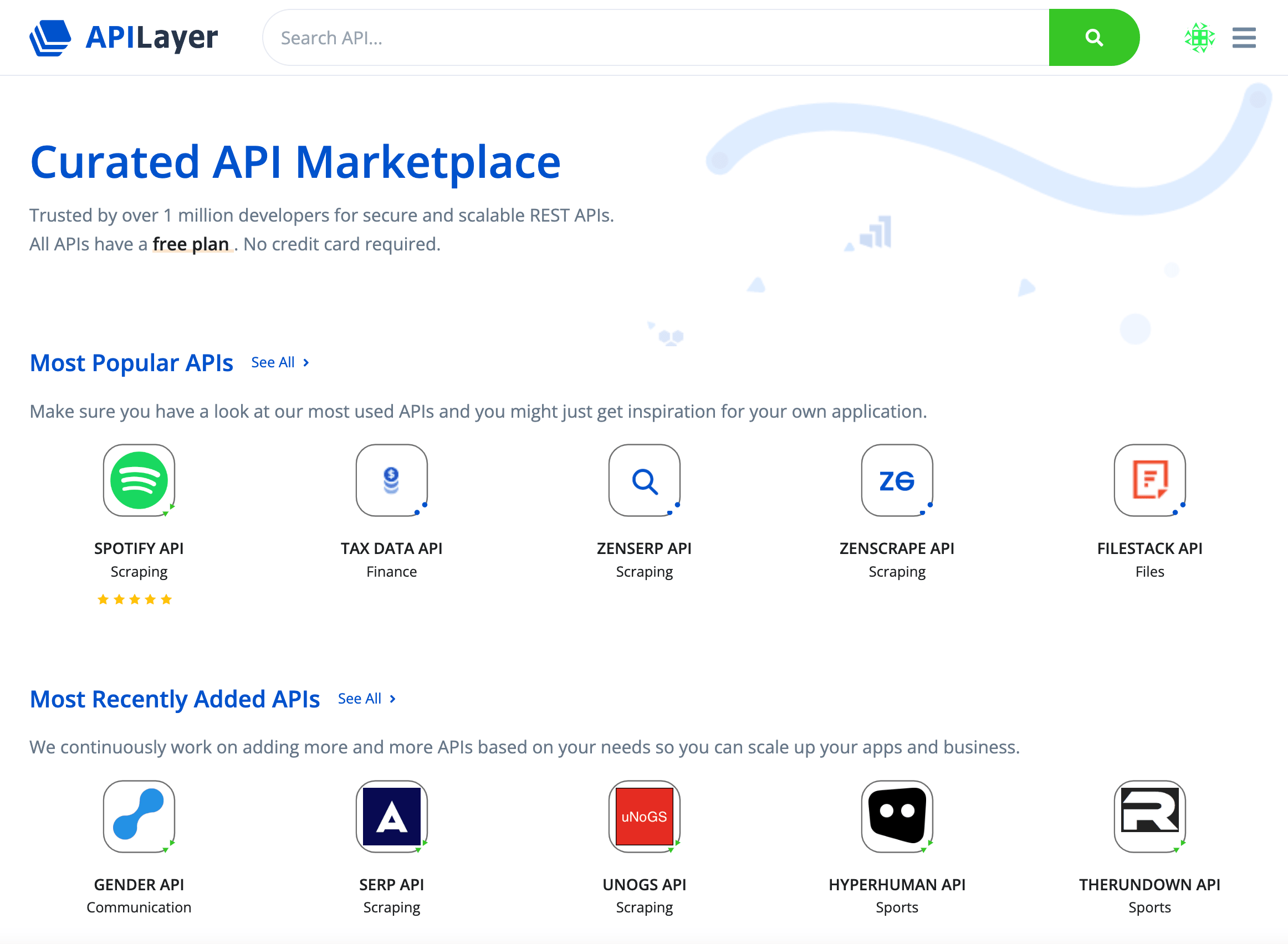
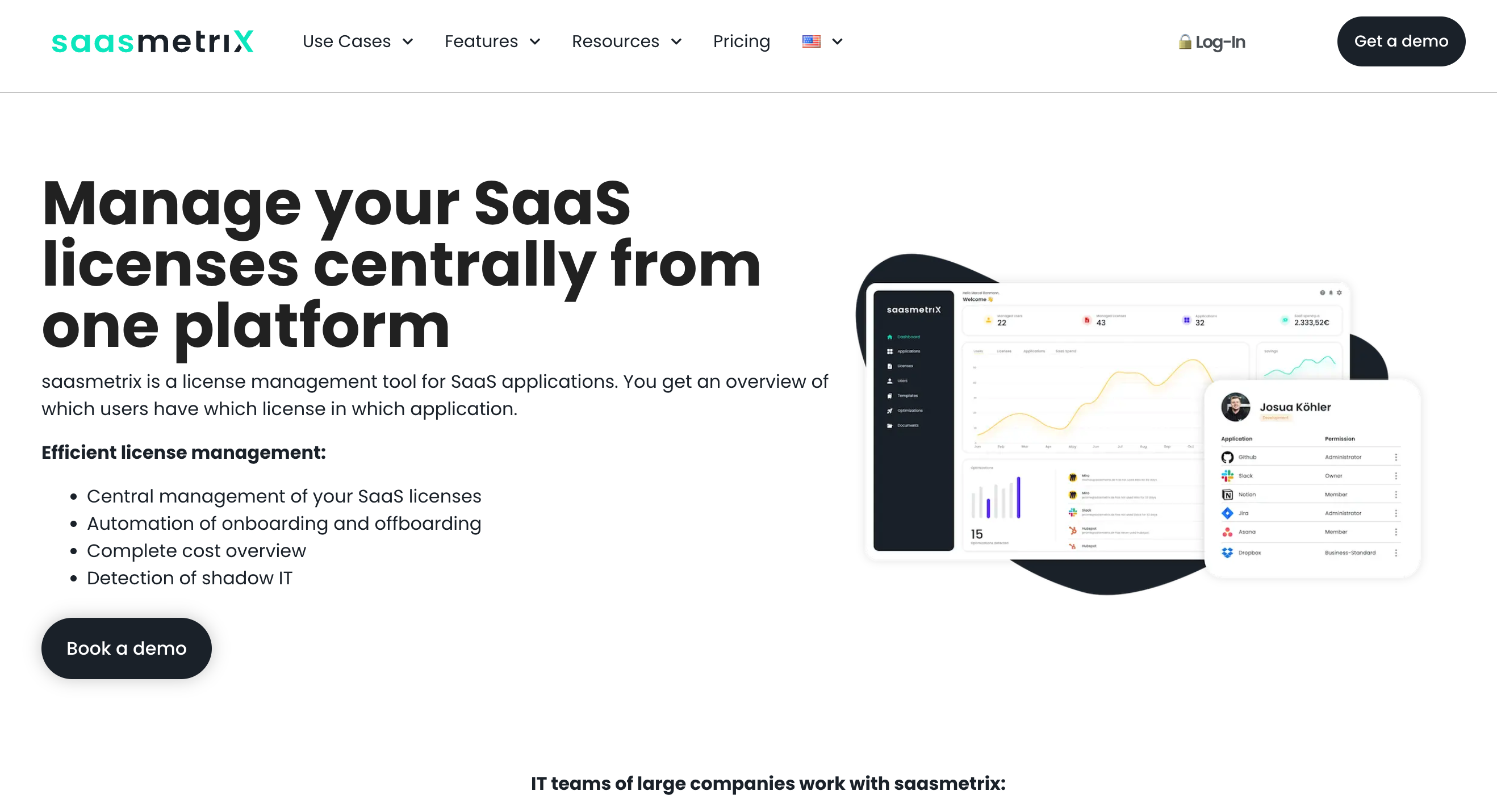
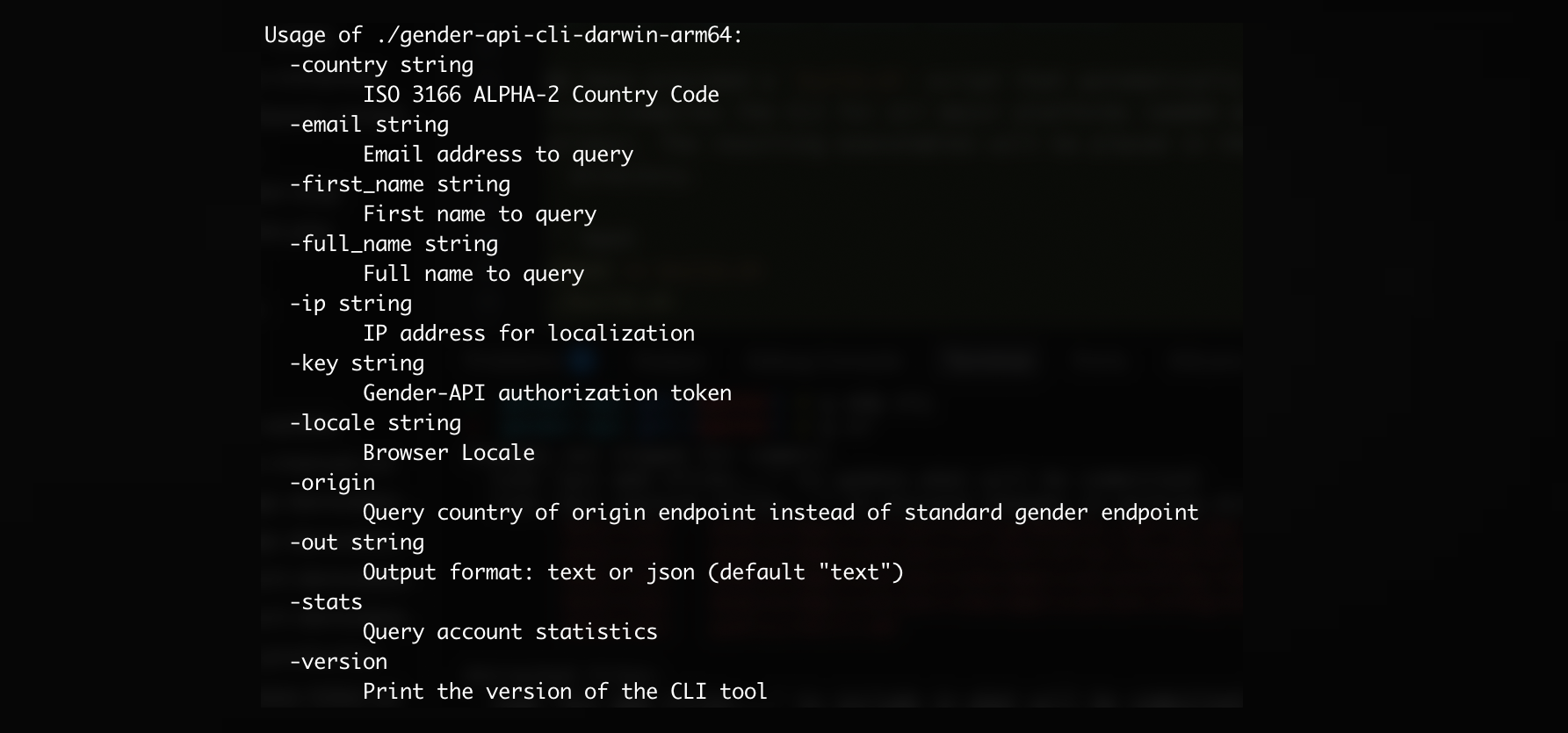
Et bien d'autres intégrations disponibles !
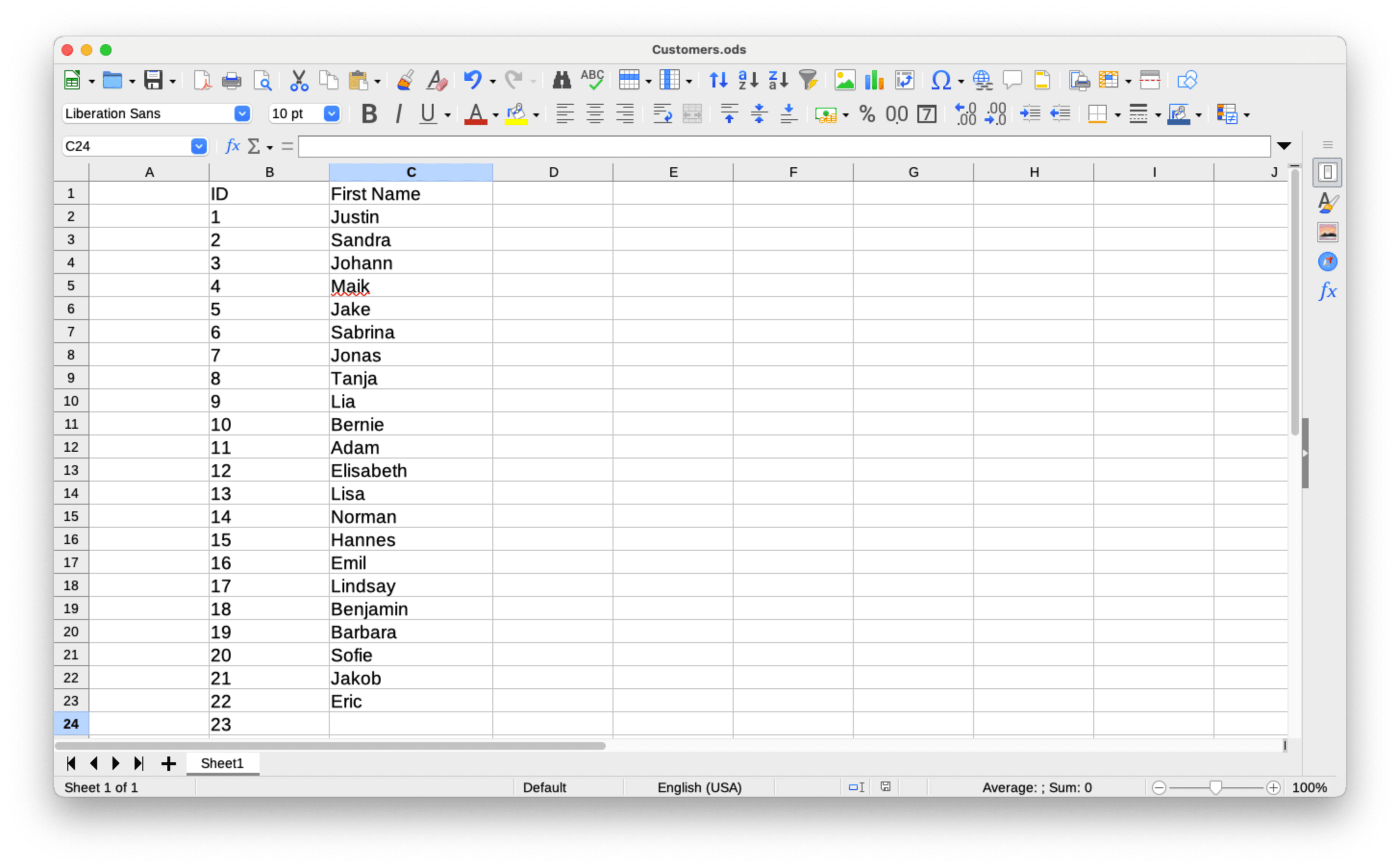
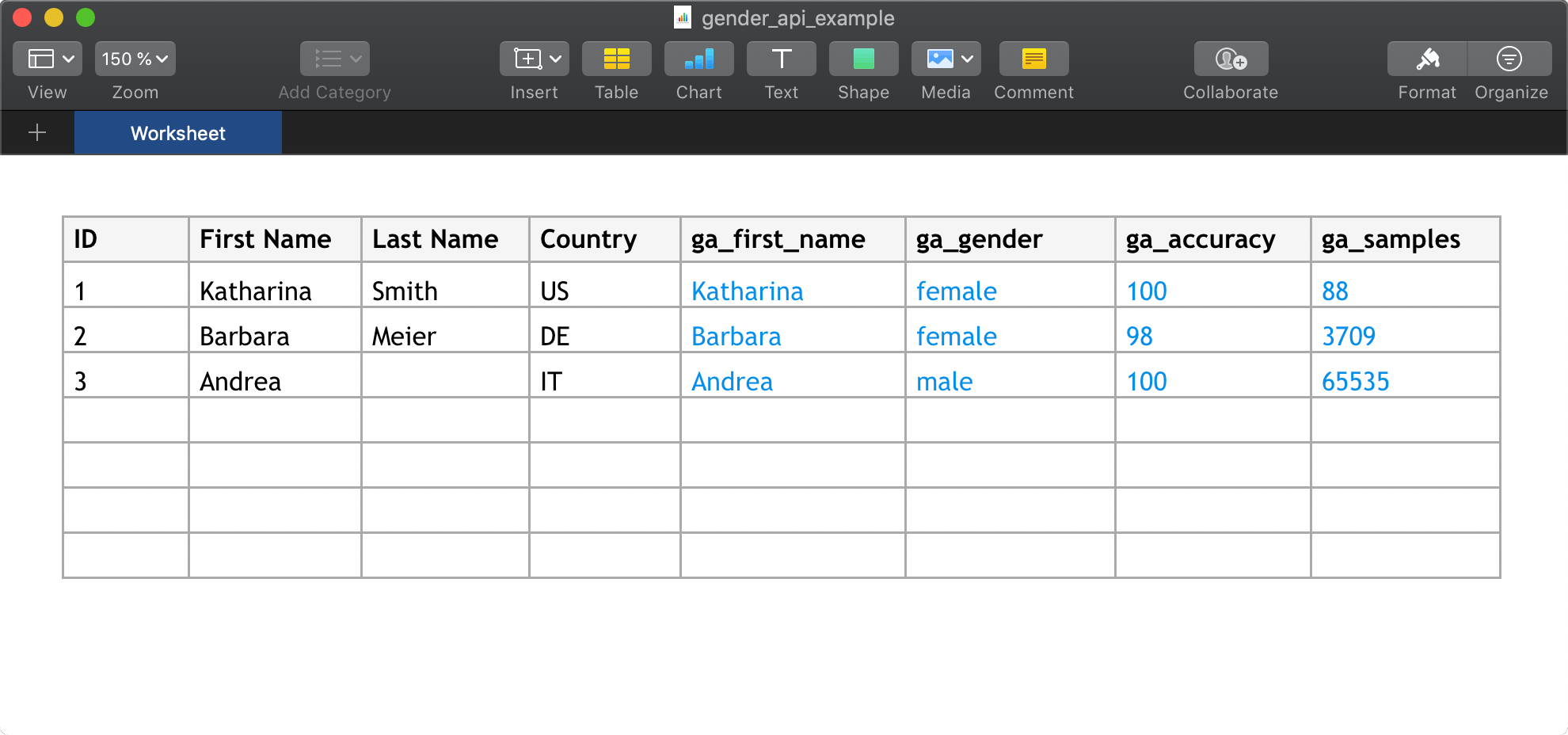
Voir toutes les intégrationsTélécharges des fichiers CSV comportant jusqu’à 10 000 000 jeux de données ou des fichiers Excel comprenant jusqu'à 100 000 jeux de données par fichier.

Rejoignez-nous aujourd'hui et recevez jusqu'à 100 demandes gratuitement chaque mois.
En savoir plus sur [Gender API] et comment cela peut aider ton entreprise.